
Scale Tool in Guitar Pro 8
The Scale tool in Guitar Pro 8 allows you to visualize, listen to, and analyze scales in any key, providing a useful resource for learning, improvisation, or musical analysis. It is accessible via the Tools > Scale menu or the toolbar.
Exploring Scales
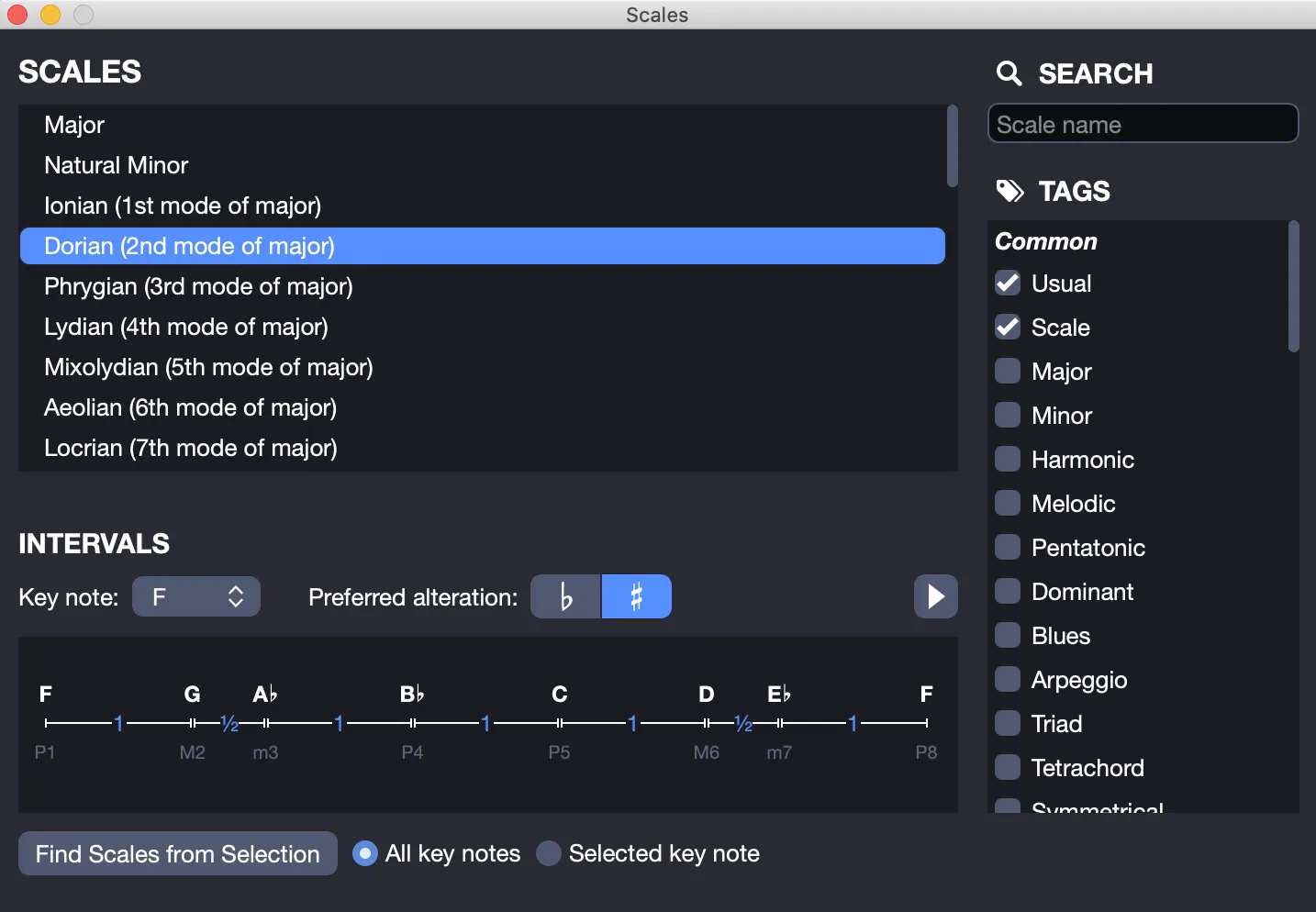
Guitar Pro 8 offers over 1,000 different scales. To quickly find a scale, use the search engine with a keyword, such as “major” or “pentatonic,” or check keywords to filter results. The scale is then displayed in the selected key.
The scale’s notes are shown visually, and clicking the play button lets you hear them. Guitar Pro also displays the scale’s structure, including intervals and the number of semitones between each note.
The note display on the virtual fretboard or keyboard automatically adjusts to the active track’s tuning, ensuring an accurate representation for your instrument.


Analyzing Scales in a Score
To identify a scale used in your score, select a range of bars, then click Find Scales in Selection. Guitar Pro lists possible keys and scales, sorted by descending percentage of occurrence.
If the results appear inaccurate, a key change in the score may be the cause. In this case, identify the key change by ear, and limit the analysis to a range of bars without modulation.
The Scale tool does not directly insert a scale into the score. However, by displaying the scale on the virtual fretboard, you can quickly click notes to add them manually. Right-clicking on the fretboard automatically moves the cursor to the right after each note, making the process highly efficient.
Learn how to create Scales Diagrams in Guitar Pro.