
Guitar Pro 8 Homepage
Access the Guitar Pro 8 Homepage, a central hub for managing files, tabs, and tools within a streamlined interface.
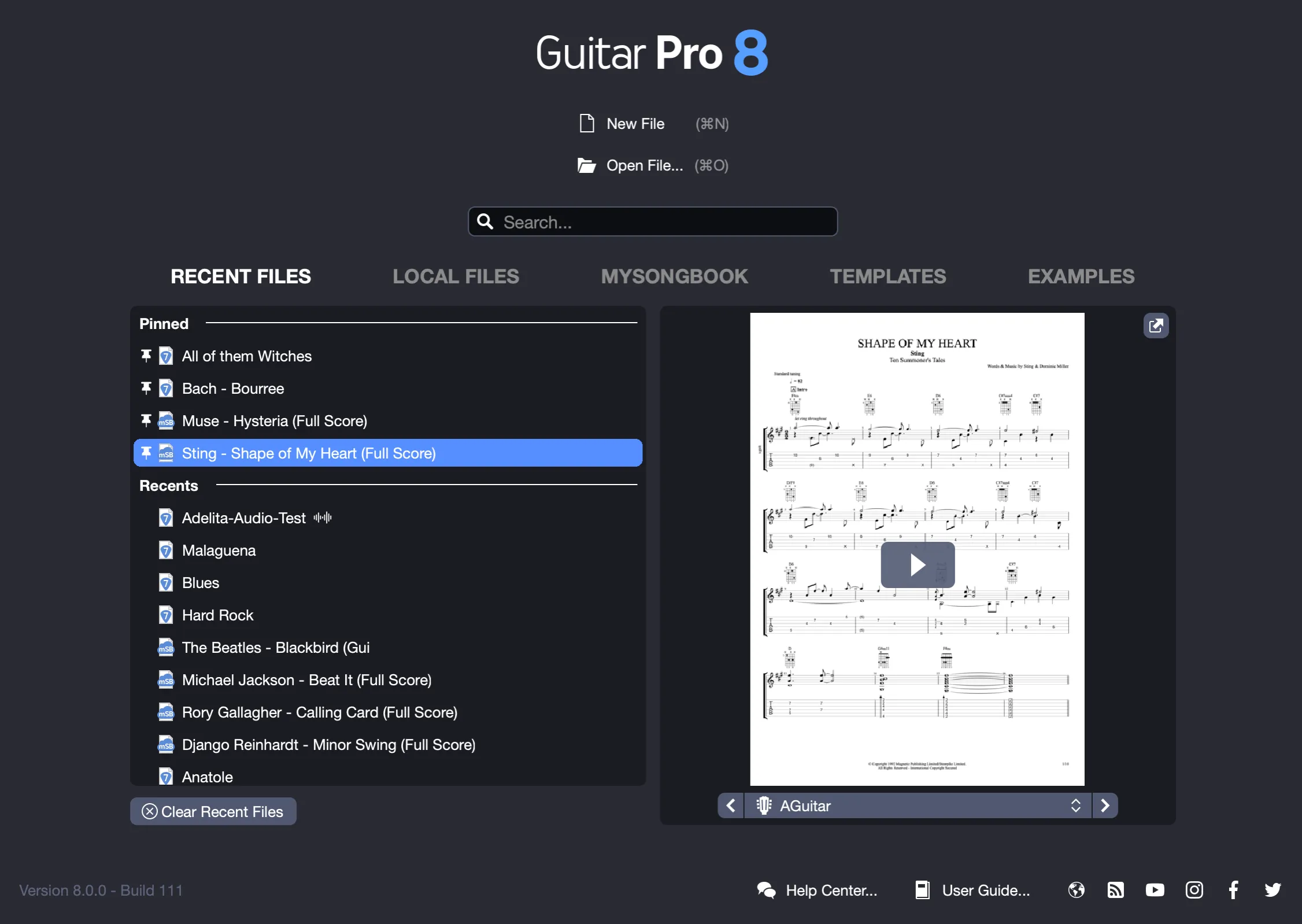
This hub allows you to navigate quickly to your local files or browse the mySongBook catalog with ease.
Return to the Homepage anytime after opening a file by clicking the Homepage icon in the toolbar (see Main Screen in Guitar Pro 8).
Create and Open a Local File
Start a new project with New File at the top, suitable for beginning a fresh composition. To open an existing score, select Open File, browse your computer, and choose a saved file to continue your work.
Search Bar
Find your Guitar Pro files efficiently using the integrated search tool. Enter all or part of a file name in the search bar below Open File, and results update as you type, with counts displayed for each category.
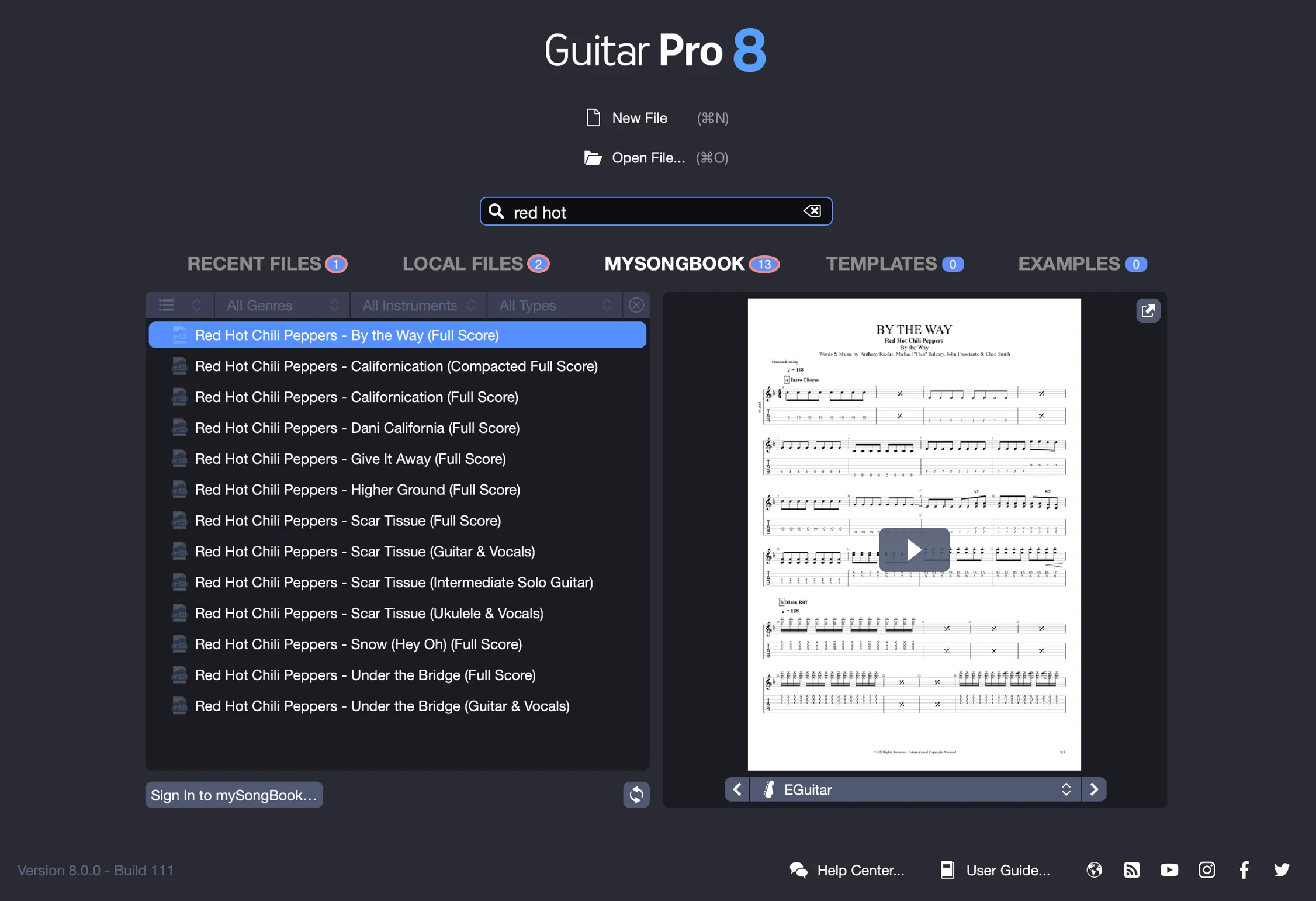
The search covers the following Homepage categories: Recent files, Local files, mySongBook, Templates, Examples.
1. Recent Files
Access your most recently opened files in this section, designed for resuming your work seamlessly. To clear the list, use Delete recent files (note: individual deletions are not available).
2. Local Files
Manage your personal file library in this section. Click Choose a folder, select a directory containing your Guitar Pro files, and they will appear here for easy access. Pin favorites to the top of the recent files list by hovering over a file, clicking the pin to secure it, and unpinning by clicking again.
3. Access to mySongBook
New to mySongBook? Refer to the mySongBook chapter for detailed information. This section connects directly to the mySongBook library, offering Free Tab of the Day as a daily free score, Last Added for newly released tabs, All Tabs for the complete catalog including your purchased items.
Log in with Sign in to mySongBook to access your purchases or subscription benefits.
4. Templates
Initiate projects quickly with default templates, such as blank scores for guitar, bass, or drums. Create and save custom templates for future use, which will be stored here for straightforward retrieval.
5. Examples
Explore 23 example files showcasing styles from rock to jazz. These samples demonstrate Guitar Pro’s editing capabilities and audio playback, providing inspiration through practical examples.
Files Preview
Preview your files directly from the Homepage by hovering to view a visual snapshot and hear a brief audio sample of each track. This feature simplifies selecting the appropriate score without opening it.
Direct Access
The Homepage also serves as a practical access point. Visit our Support page, consult this User Guide, or connect with us on social media, all available with a single click.