
Creating a New Score in Guitar Pro 8
In Guitar Pro, a score is the core of your musical project, saved as a Guitar Pro file, which contains notes, rhythms, and tracks.
When opening the program, Guitar Pro offers you the option to start a new score or resume an existing project.
Creating a New Score
You can create a score using:
- the File menu
- the Home Page
- the tab bar
- the shortcut Ctrl+N (Windows) or ⌘N (macOS)
New File
Select the New button on the home page or the File > New menu to open a blank score, ready for your composition.
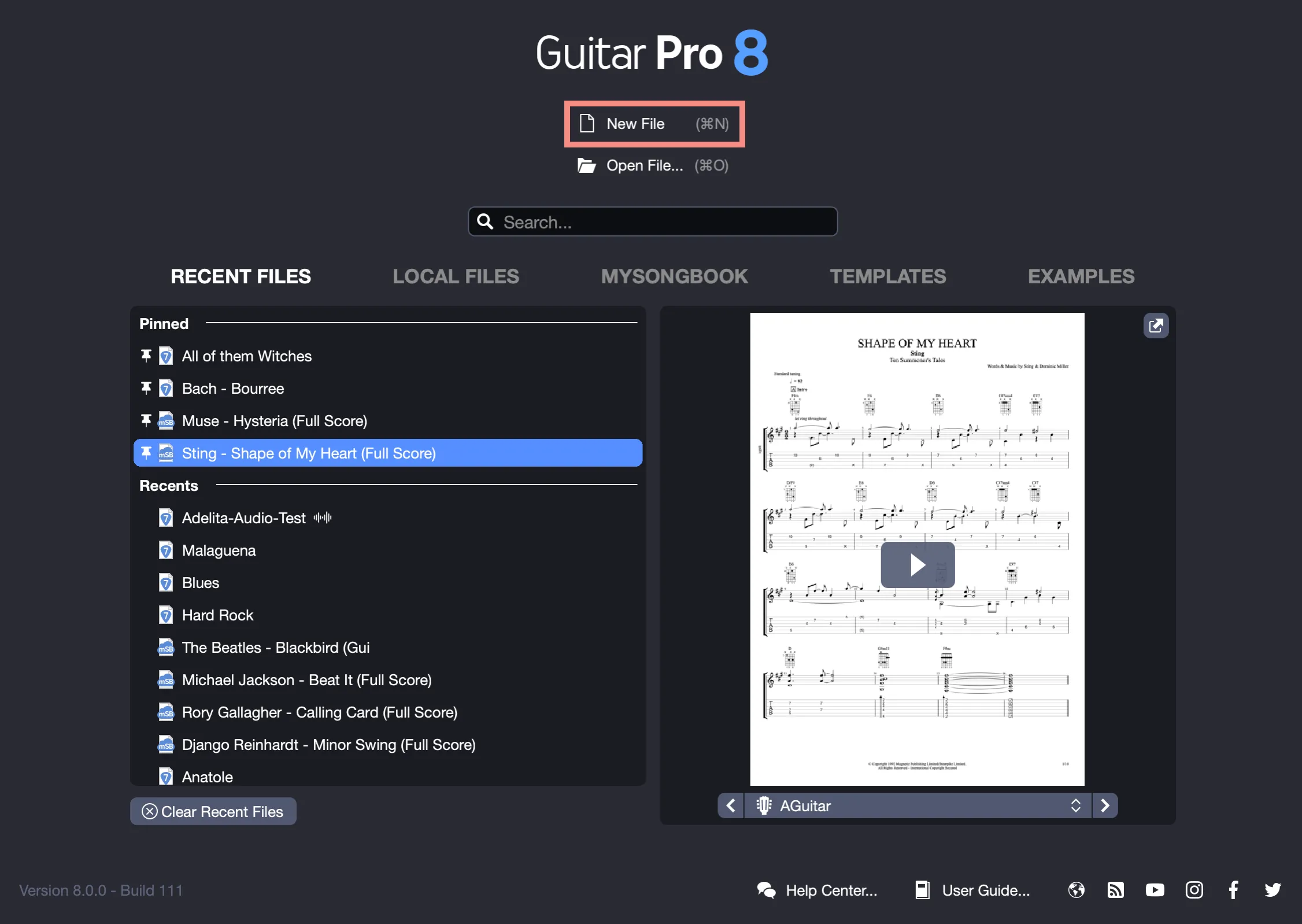
By default, the file is empty, and the Track Creation Assistant opens to add your first track, such as a guitar, bass, or drums (see Adding a New Track in Guitar Pro).
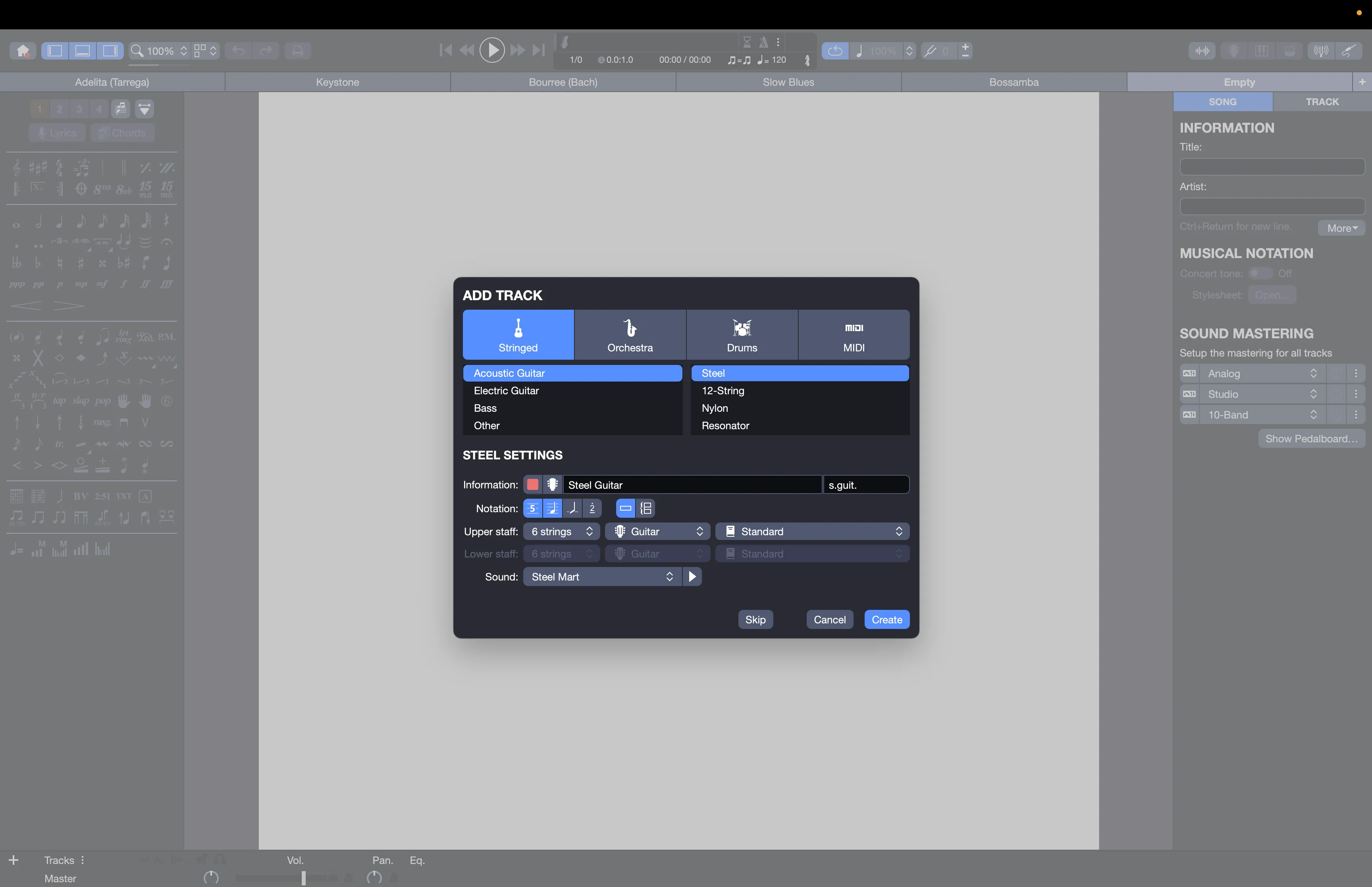
Menu “File > New from Template”
Select the Templates tab on the home page or the File > New from Template menu to start a project using a predefined setup.
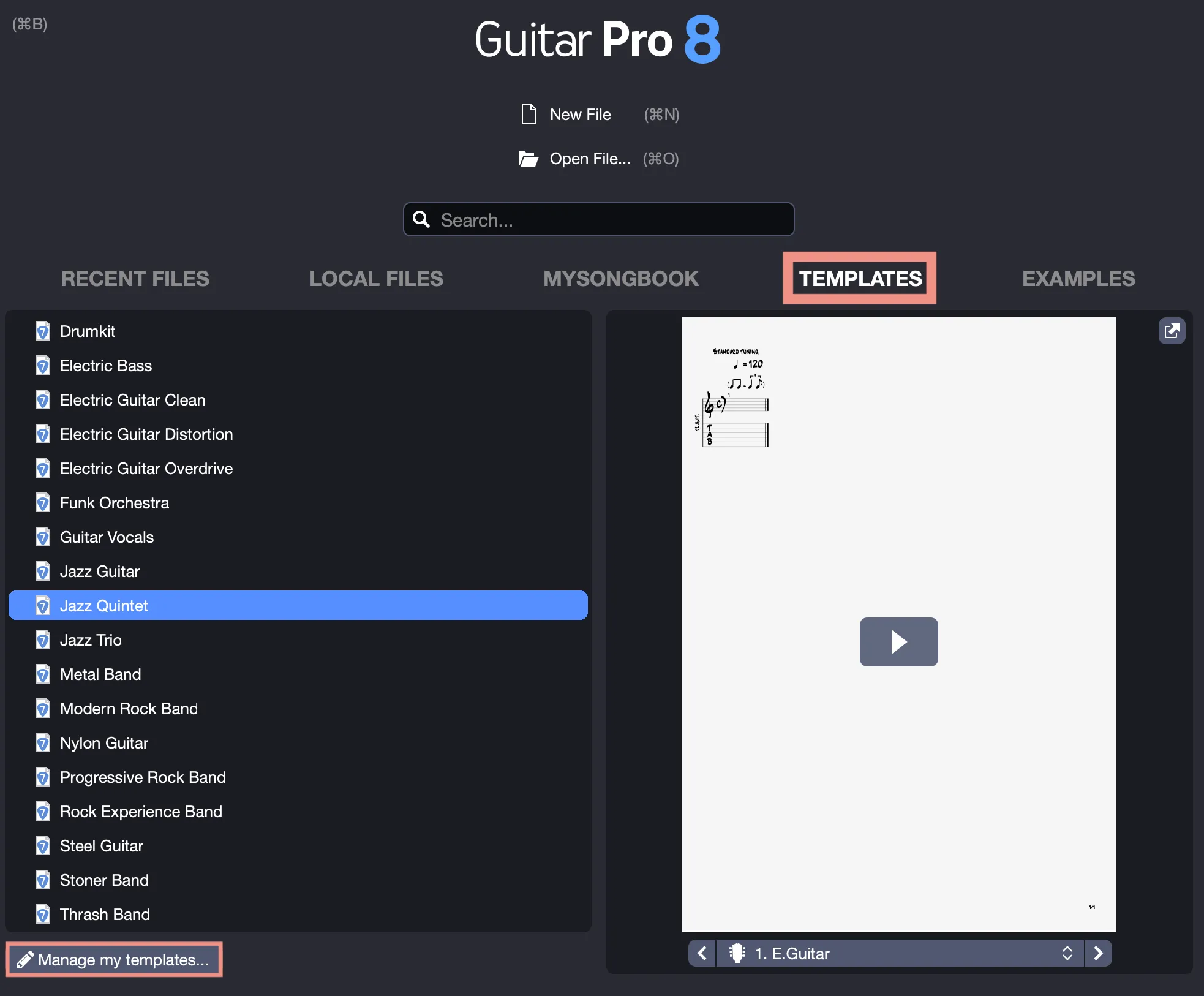
Choose from templates such as a rock trio, a jazz quintet, or a solo acoustic guitar, each with preconfigured tracks, tunings, and sounds.
Select Manage My Templates to manage the templates you previously created and saved through the File > Save as Template menu.
Tab Bar
Click the + button at the right end of the tab bar and select New to create a score directly.
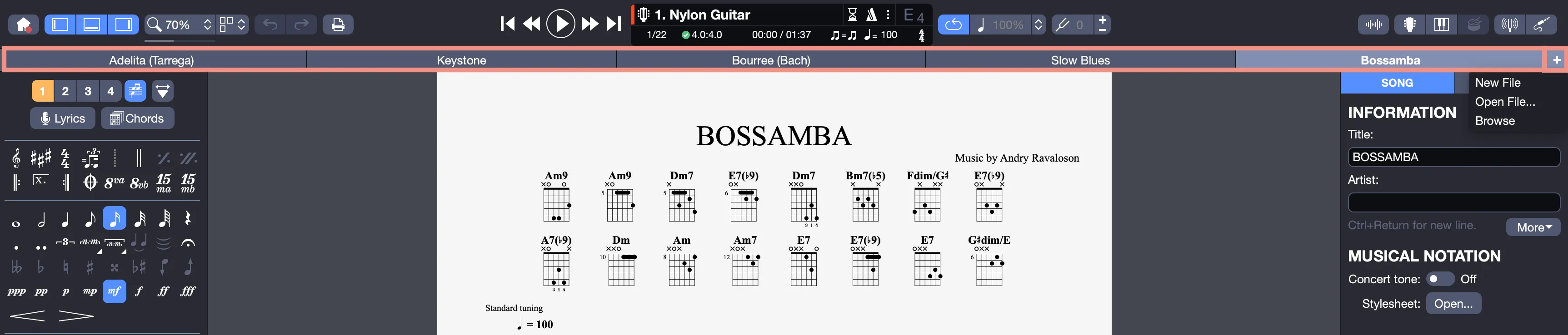
This allows you, for example, to add a new file during a session, such as a melody idea, without leaving your current work.
To automatically reopen the files from your last session, enable the Reopen documents from the previous session option in the General tab of Guitar Pro Preferences.