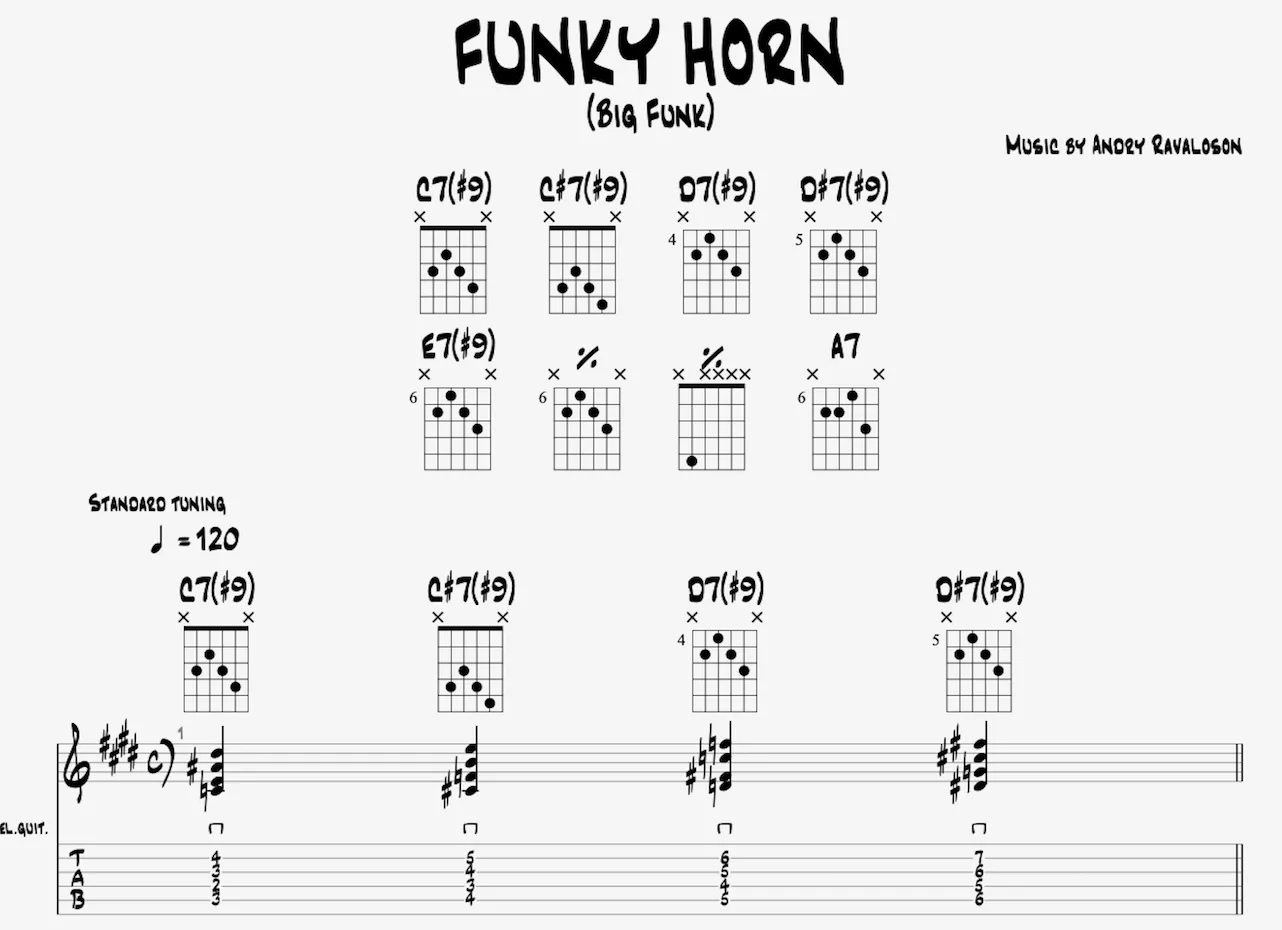
Stylesheet: Page & Score Format Settings in Guitar Pro 8
Overview of the Page & Score Format tab
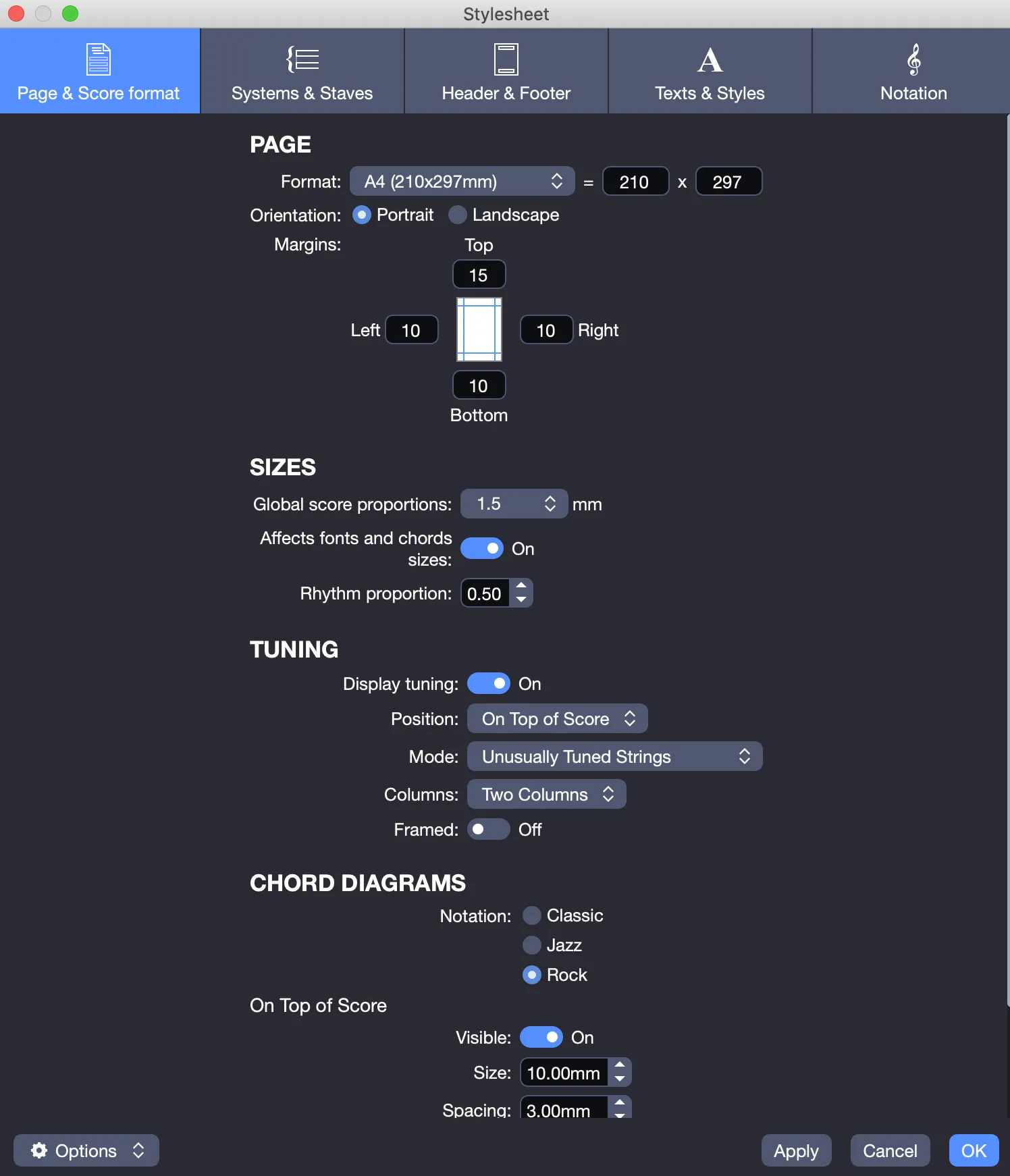
The Page & Score Format tab includes the following sections, designed to customize the layout and appearance of your score.
Page Section
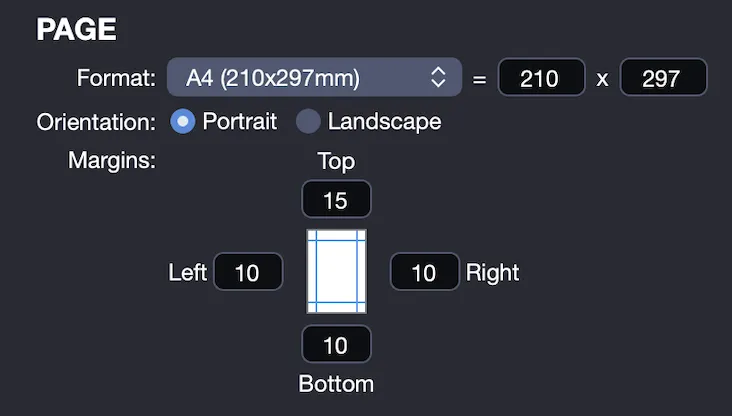
This section allows you to configure the page format for a presentation tailored to your needs.
- Select a format: Choose one of the twelve predefined formats or define a custom format.
- Set the orientation: Opt for portrait, or landscape display.
- Adjust margins: Set the page margins to optimize space.
Sizes Section
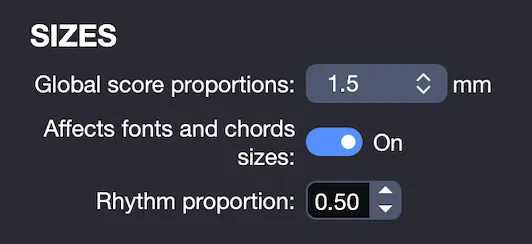
Customize the proportions of your score for a balanced visual presentation.
- Adjust overall proportions: Define the global dimensions of the score.
- Fine-tune rhythm spacing: Modify rhythmic spacing with adjustments to one decimal place.
- Preserve fonts: Decide whether changes affect the size of fonts and chord diagrams.
Tuning Section
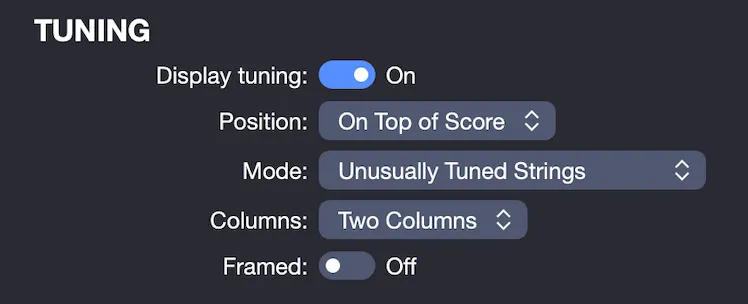
Manage the display of track tuning for improved readability.
Show or hide tuning: Choose whether to display the tuning.
Select position: Place the tuning at the top of your score, or before your track.
Choose display mode:
- Name only
- Name + notes
- Unusually tuned strings (if applicable)
For tuning displayed at the top of your score, additional settings are available:
- Display tuning in two columns, or horizontally.
- Frame the tuning for a distinct appearance.
The following table shows examples of the different renderings:
| Option | Rendering |
|---|---|
| Tuning before track | 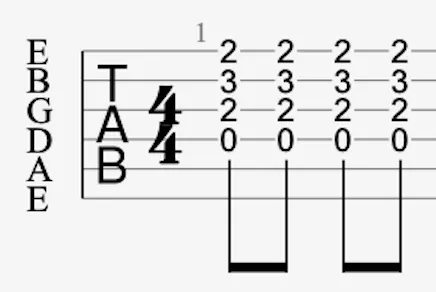 |
| Top of score: name only | 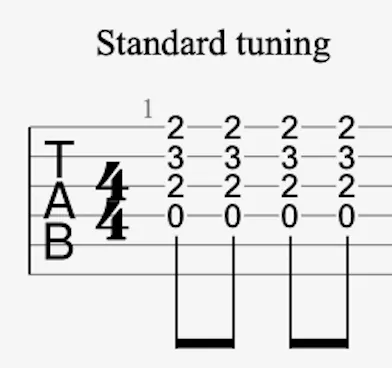 |
| Top of score: name + notes (two columns) | 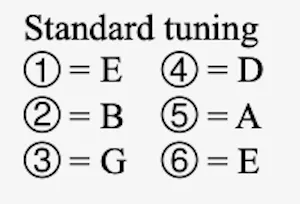 |
| Top of score: name + notes (horizontally) |  |
| Unusually tuned strings | 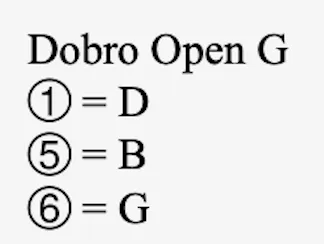 |
| Framed tuning | 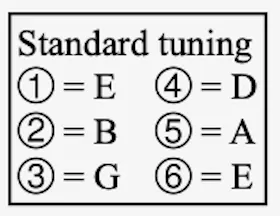 |
Chord Diagrams Section
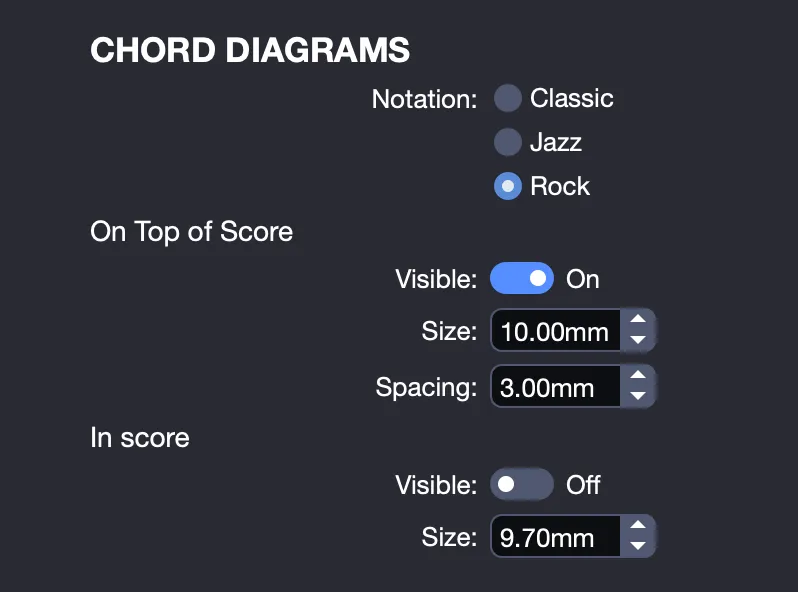
Personalize the appearance and placement of chord diagrams to reflect your musical style.
- Select notation style: Apply a Classic, Jazz, or Rock style.
- Set placement: Display chord diagrams at the top of your score, within your score, or both.
- Adjust size and spacing: Modify the size of chord diagrams and their spacing with adjustments to one decimal place.
In this example, chord diagrams are displayed both at the top and within the score, using a Jazz style.