
Song Information in Guitar Pro 8
Song information allows you to customize and organize the metadata of your musical project in Guitar Pro 8.
Accessible through the Song Inspector, located on the right side of the main window, these settings enable you to document your composition for a professional result.
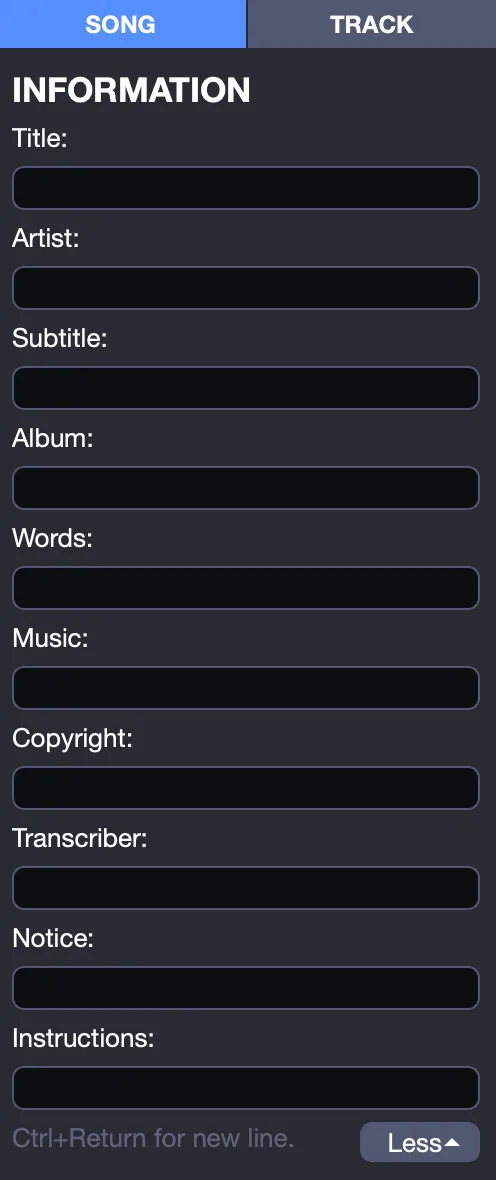
Configuring Song Information
To enter your score’s information:
Open the Song Inspector on the right side of the Guitar Pro interface.
In the Song Information section, fill in the details in the provided fields:
- Title
- Artist
- Subtitle
- Album
- Lyrics
- Music
- Copyright
- Transcriber
- Notice
- Instructions
These fields are automatically integrated into your score and appear in exports and prints.
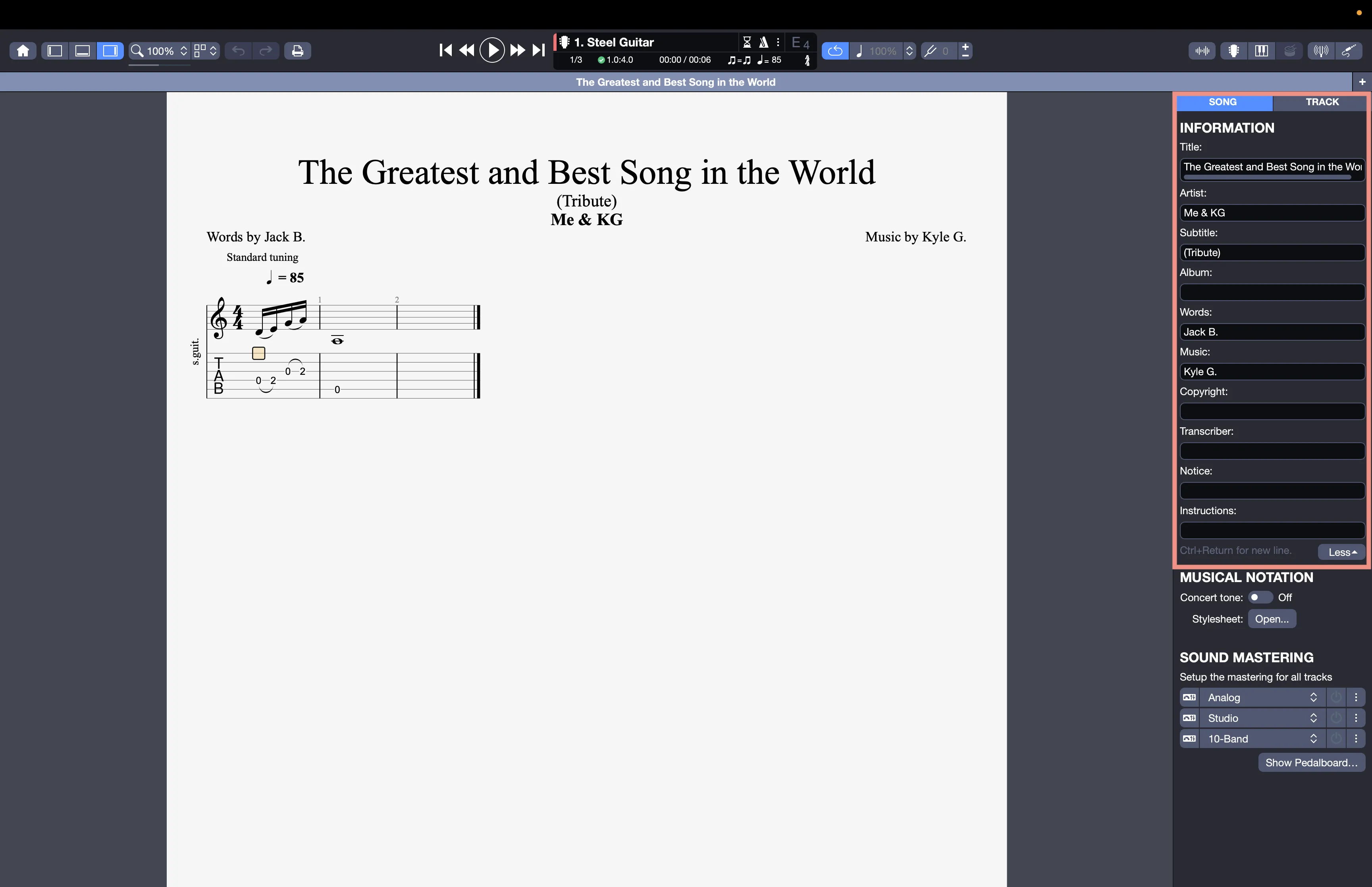
You can click directly on an element in the score, such as the title or artist, to place the cursor in the Song Inspector and edit that element quickly. Use Ctrl + Enter to insert a line break within a field, ideal for formatting instructions.
Adjust and configure these fields if needed from the Header and Footer tab of the Stylesheet.
The Notice and Instructions fields are not active by default but can be enabled from the Header and Footer tab in the Stylesheet.