
Fade In, Fade Out and Volume Swell in Guitar Pro 8
The Fade In, Fade Out, and Volume Swell effects in Guitar Pro gradually modify note volume. They are useful for creating smooth transitions or controlled volume changes.
These effects are available in the Editing Palette and the Effects menu. You can apply them to one or several notes to create dynamic variations that rise, fall, or combine both.
Fade In
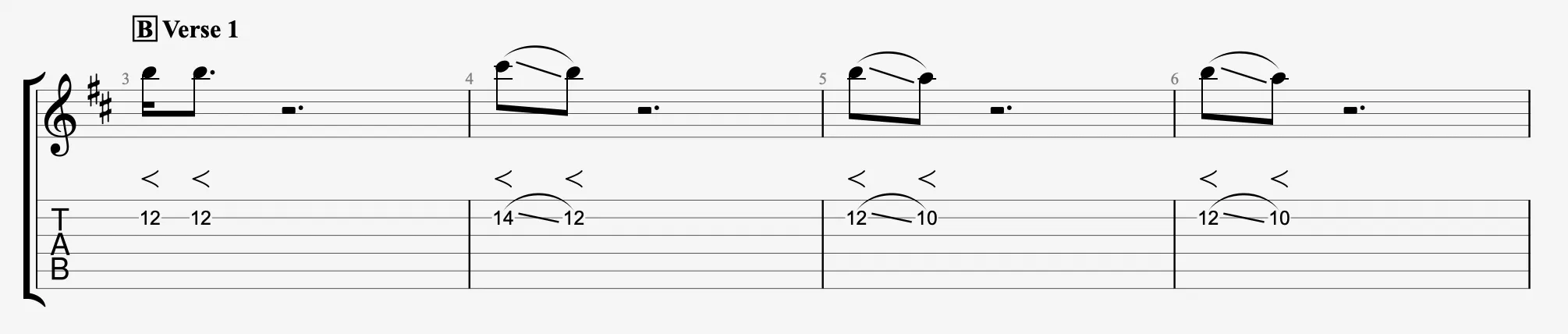
 Fade In gradually increases the volume after a note’s attack. The effect simulates the use of a volume knob or pedal and helps make a note emerge softly without a sharp beginning.
Fade Out
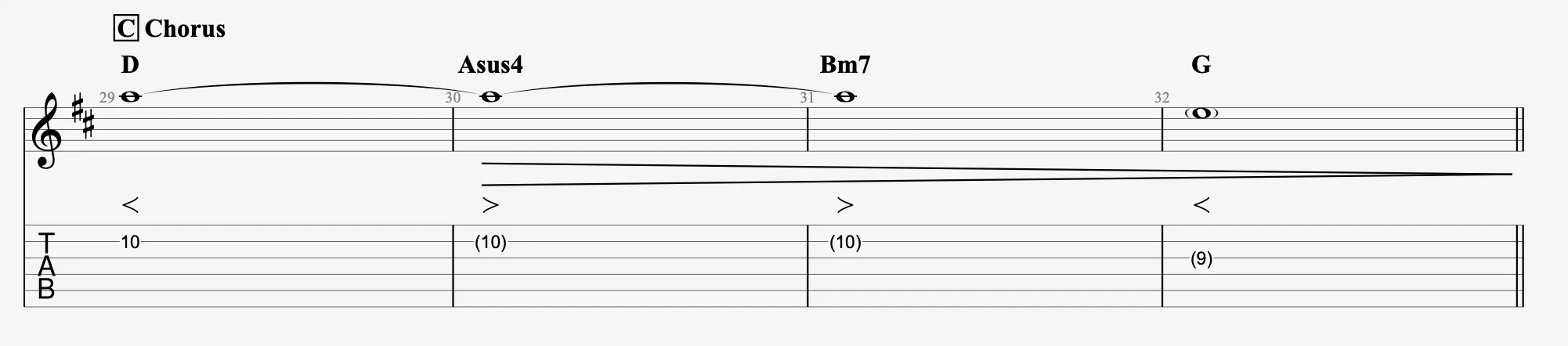
 Fade Out gradually reduces the volume after a note’s attack. This effect is often used to gently end a phrase or section.
Volume Swell
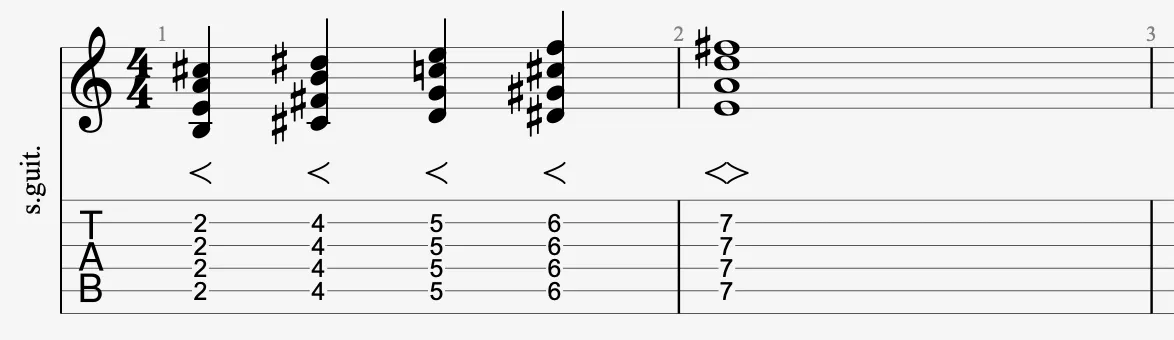
 Volume Swell combines a Fade In followed by a Fade Out, producing a swell in volume that rises and then fades. It’s useful for atmospheric sections or dynamic transitions.
Application
Select the target notes, then apply the desired effect using the Editing Palette:
- Fade In: volume increases gradually after the attack.
- Fade Out: volume decreases gradually after the attack.
- Volume Swell: volume rises then falls over the note’s duration.