
Open a mySongBook Score in Guitar Pro 8
Access premium mySongBook scores instantly, an official Arobas Music library, directly from Guitar Pro 8.
Follow these simple steps to open your professional tablatures and scores.
Steps to Open a mySongBook Score
Access mySongBook
On the Guitar Pro homepage, locate the mySongBook section.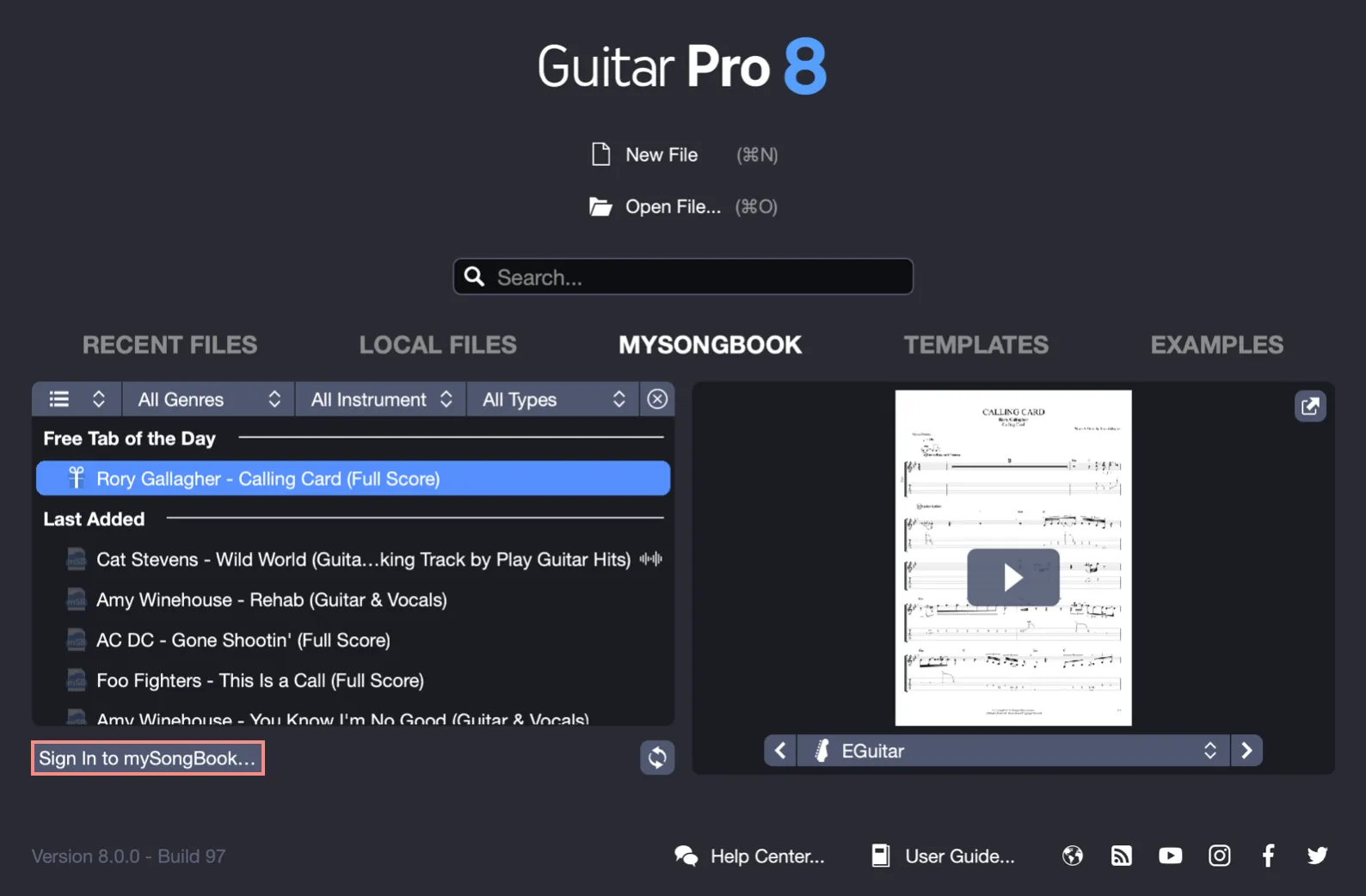
Sign in to Your Account
Click Sign in to mySongBook… to open the login window. Enter your email address and password to log in to your account. If you don’t have an account yet, create one for free on the Guitar Pro website.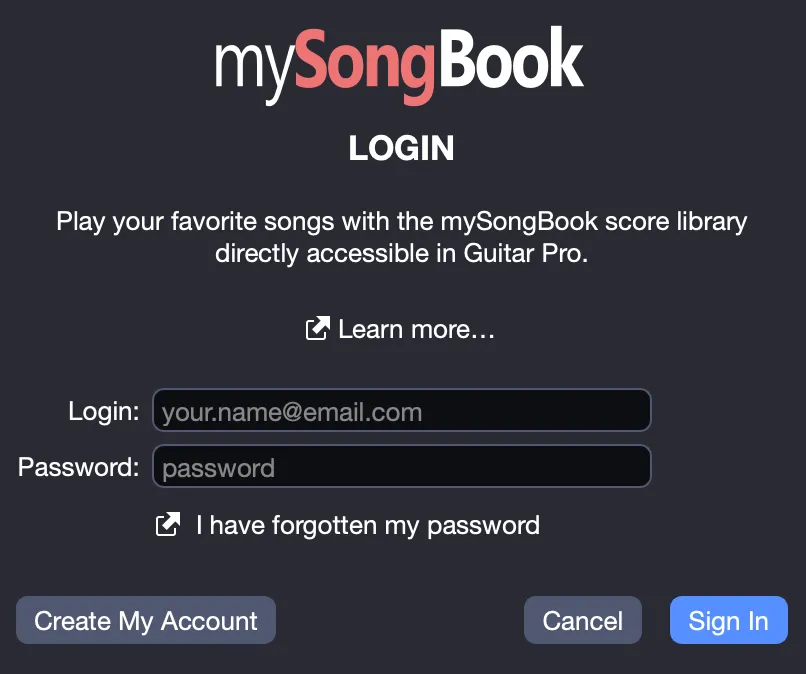
Choose a Score
Once signed in, browse the mySongBook library and select the desired title. Scores are organized for easy selection, with previews available for each track.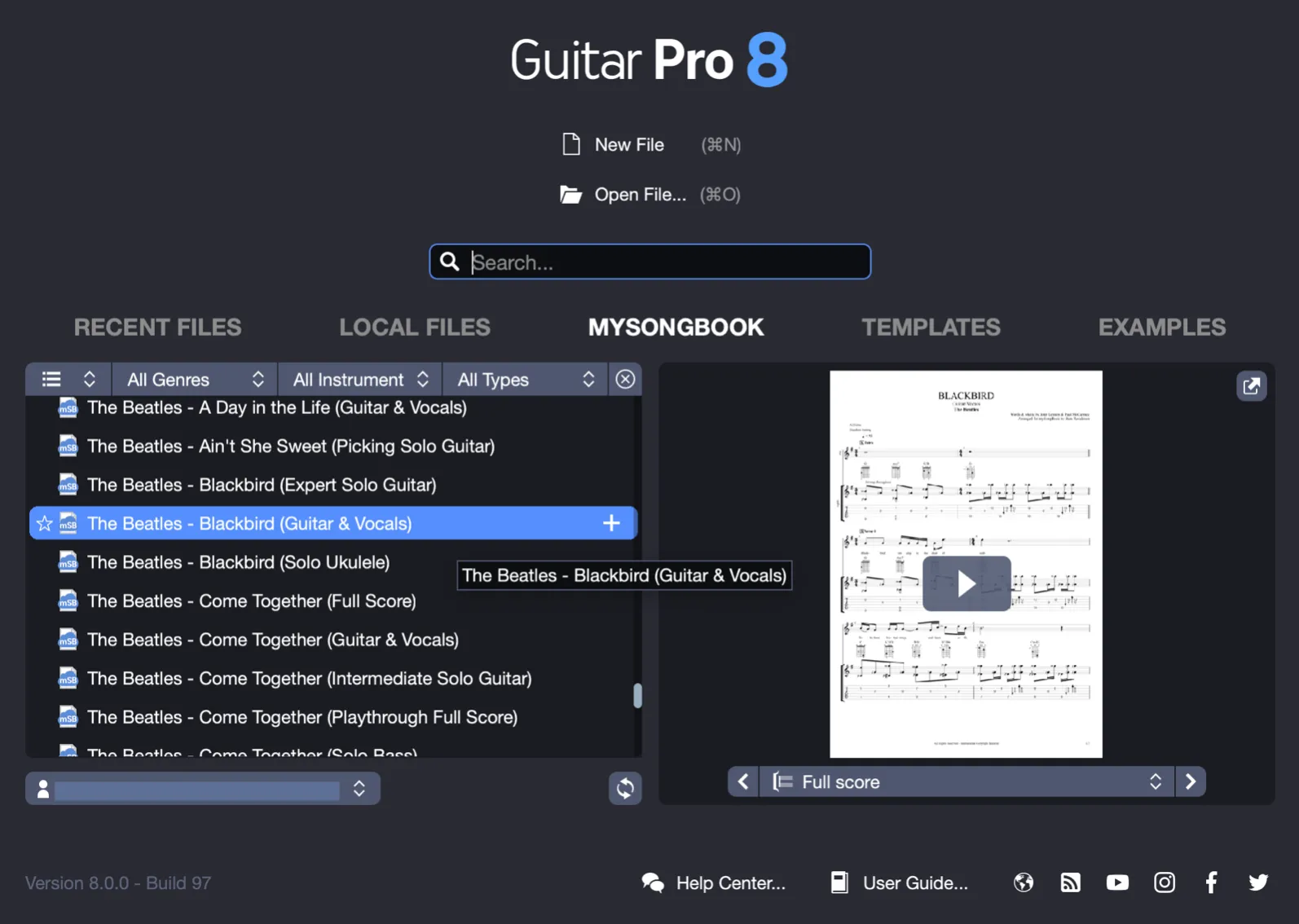
With an Active Subscription or Purchased Score
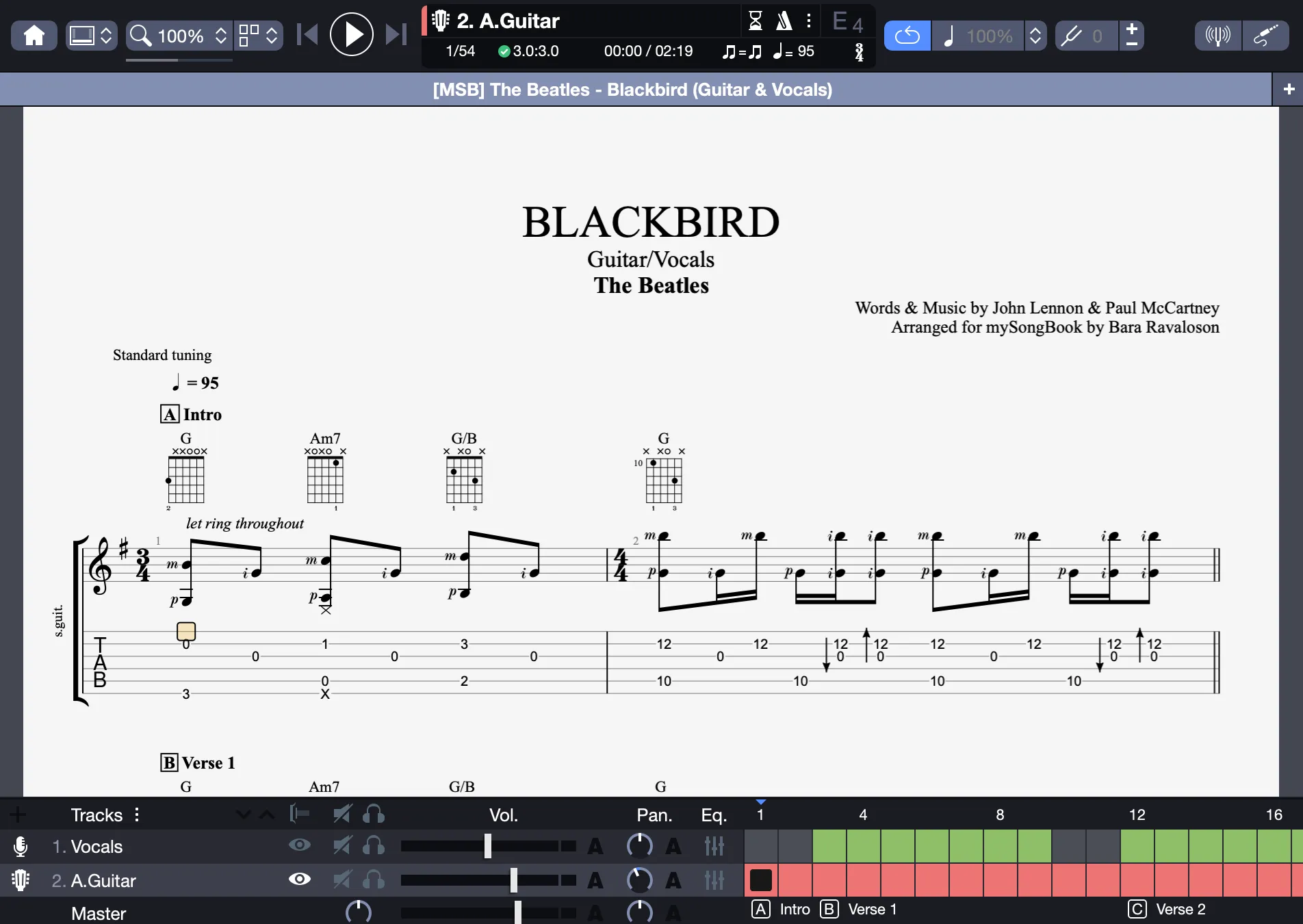
If you have a mySongBook subscription or have purchased the score using a mySongBook credit, the title opens automatically in Guitar Pro 8.
You can then play the score from Guitar Pro 8.
Without an Active Subscription or Purchased Score
If you haven’t subscribed to mySongBook or purchased a title using a mySongBook credit, a window will prompt you to subscribe to access the score.
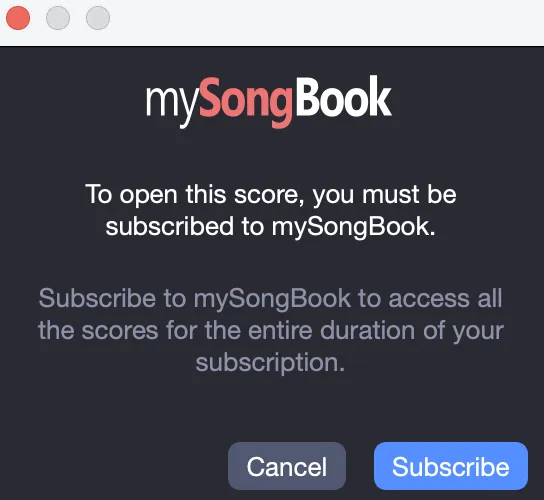
Your Guitar Pro license does not grant free access to mySongBook content, except for the “Free Tab of the Day” and more than 70 offered titles.
Subscriptions can be purchased on the Guitar Pro website.
Ensure you have an active internet connection, as mySongBook requires online authentication to access scores.