
Track Information in Guitar Pro 8
The Track Information section of the Track Inspector in Guitar Pro allows you to customize and manage each track’s metadata, personalizing your scores with ease.
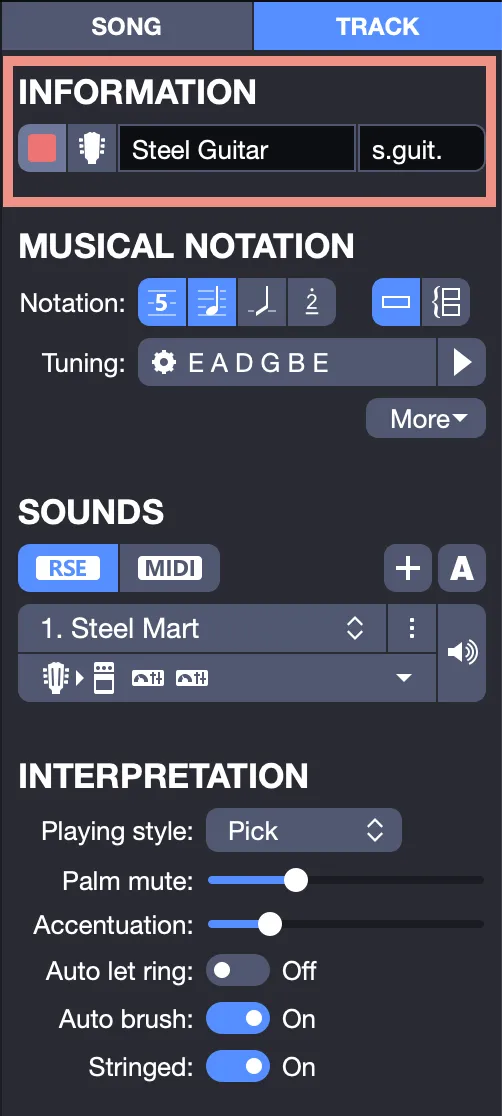
In this section, you can:
- Name your track, e.g., “Steel Guitar.”
- Assign a short name, e.g., “S. Guit.,” for quick identification.
- Choose a track color to suit your preferences.
- Select a preferred icon for visual customization.
The track color you select appears in the Global View, located at the bottom of the Guitar Pro window, making each element easy to identify.
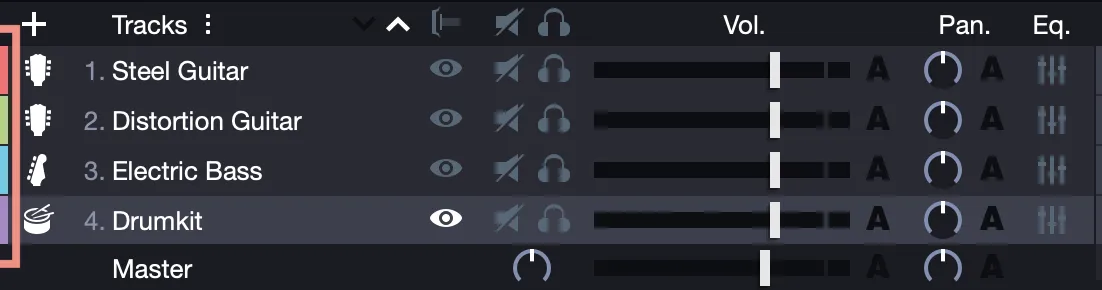
This color also appears in the toolbar, helping you quickly identify the active track where the cursor is positioned.

The short track name is displayed at the start of the track on the score and in the Global View if enabled in the Stylesheet and selected for display.
Additional settings for displaying track names are available in the Stylesheet.