
Displaying Tracks in Guitar Pro 8
In Guitar Pro, you can display one track at a time, all tracks simultaneously, or only certain tracks of your choosing.
Go to the View > Multitrack menu to display all the tracks of your score at once.
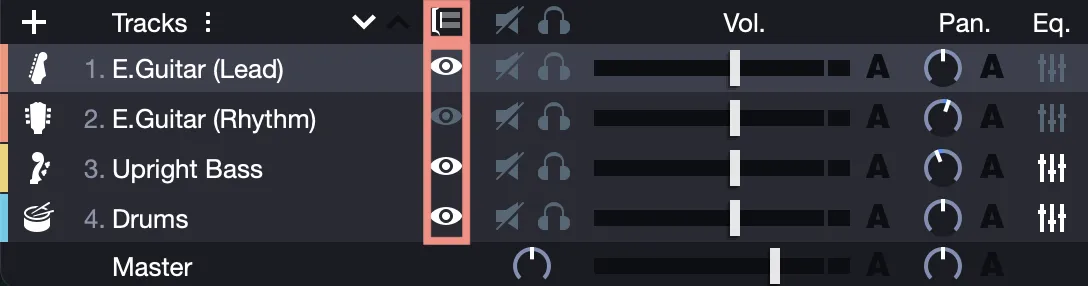
Once the Multitrack display is applied, other display options available from the Global View (at the bottom of the Guitar Pro window) allow you to choose which tracks to show or hide.
Simply select the small eye icon in the Global View to show or hide a track.
Reordering Tracks
You can reorder tracks in any order you prefer.
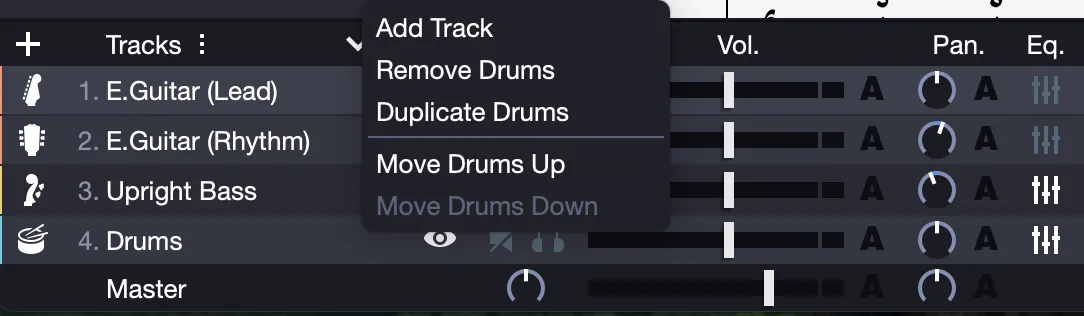
To move a track, select it and use the Track > Move Up or Track > Move Down menus.
The equivalent, is found in the track’s contextual menu in the Global View, after a right-click on the track.
You can also use the Up/Down arrows ▲/▼ located at the top of the Global View to move your tracks.