
Vibratos in Guitar Pro 8
Vibratos are expressive techniques that slightly oscillate the pitch of a note, adding nuance and melodic tension to your phrasing.
In Guitar Pro 8, they can be applied from the Editing Palette or the Effects menu, with different styles available depending on the desired intensity.
Understanding Vibratos
A vibrato oscillates a note’s pitch through rapid movements, creating a warm or intense effect. Guitar Pro offers three variants:
- whammy bar
- left-hand vibrato
- bridge vibrato
Whammy Bar
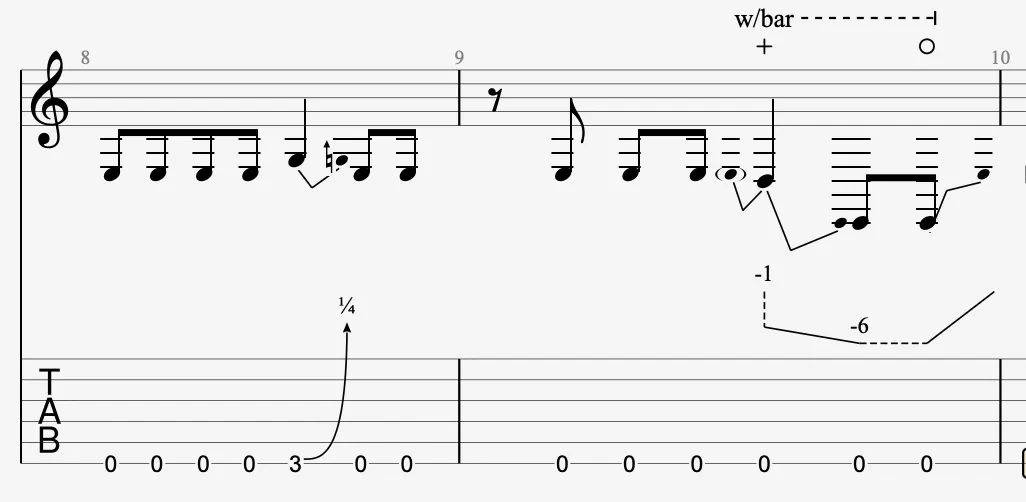
 The whammy bar, temporarily adjusts string tension via the bridge, altering the pitch of all notes with the right hand.
This effect suits pronounced pitch variations, as in rock or metal.
Left-Hand Vibrato

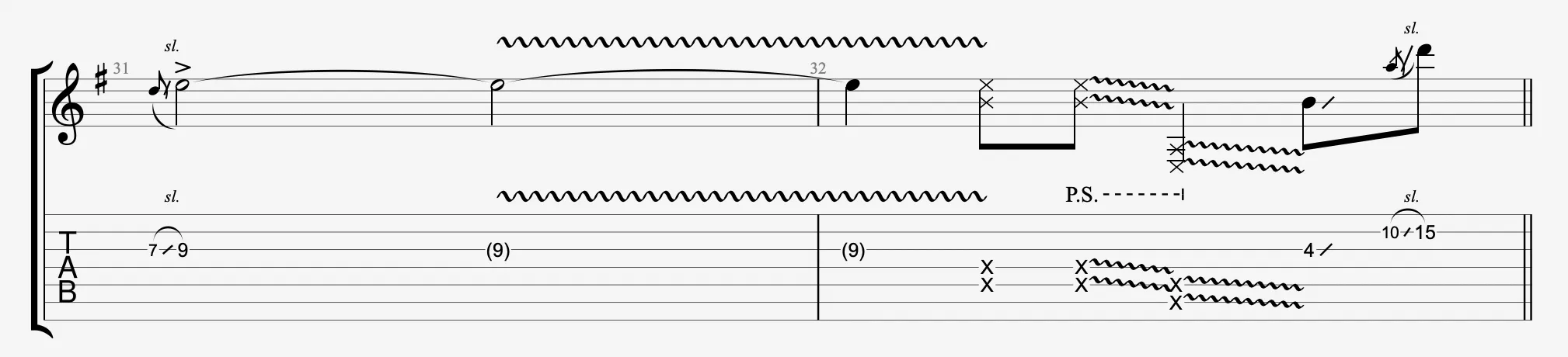
 Left-hand vibrato oscillates the string with the fretting finger, producing a rapid pitch variation.
Two amplitudes are available:
- Slight (narrow oscillation) for a discreet touch
- Wide (broad oscillation) for a pronounced effect, often used in blues or rock.
Bridge Vibrato

 Bridge vibrato uses the whammy bar to create an oscillation affecting all notes in a chord.
With two amplitudes (slight or wide), it is ideal for rhythmic effects in styles like surf rock.

Application
Select your notes in the score, then choose the type of vibrato to apply from the Editing Palette.
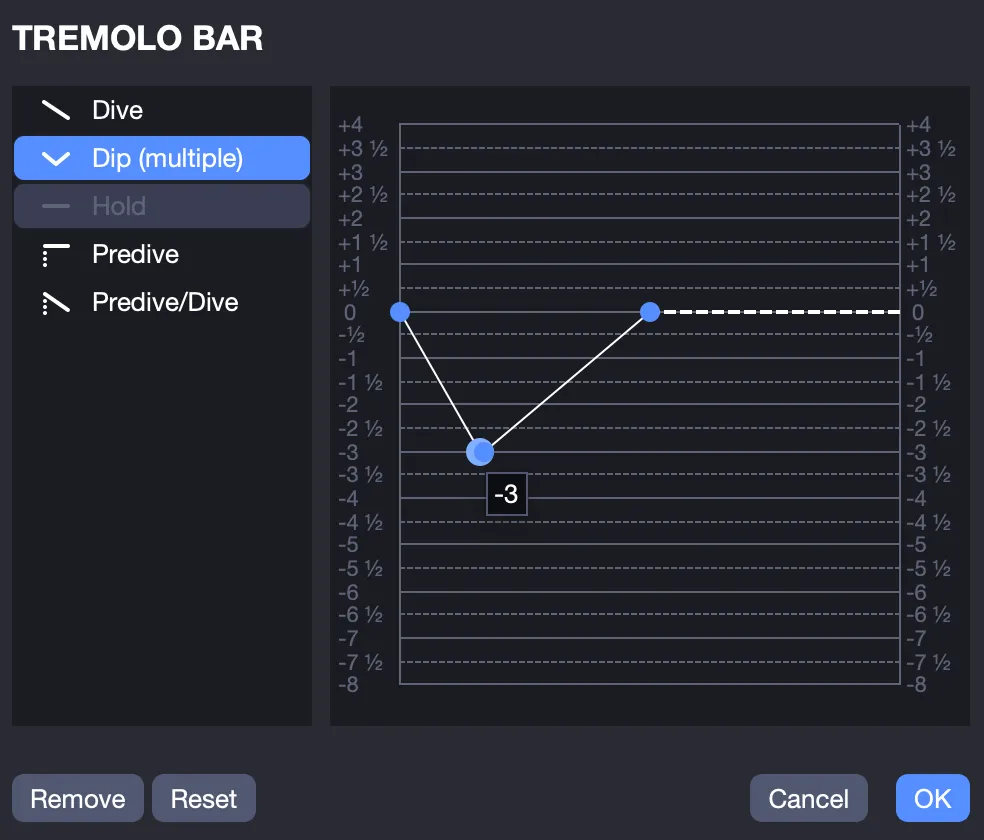
For the whammy bar, select the icon, then configure pitch and curve in the Whammy Bar window. A vibrato indication appears in the score.
For left-hand vibrato, right-click the or icon, and select the amplitude (slight or wide). A wave appears in the score.
For bridge vibrato, right-click the or icon, and select the amplitude (slight or wide). A sawtooth symbol appears in the score.
These three effects are emulated by the audio engine.