Installing Guitar Pro 8
This section guides you step by step through the installation and activation of Guitar Pro 8 on both Windows and macOS.
How to get Guitar Pro 8
From the website
Download Guitar Pro 8 directly from the Guitar Pro website. Start with the trial version, then enter your license number to access all features without any time limitation.
From the DVD-ROM
Insert the Guitar Pro DVD into your drive:
- Windows: if the installation does not start automatically, open This PC, double-click the DVD drive, and run guitar-pro-8-setup.exe. Follow the instructions.
- macOS: double-click the DVD-ROM icon on your desktop, then click guitar-pro-8-setup.pkg and follow the steps.
Installing Guitar Pro 8 on Windows
Start: double-click guitar-pro-8-setup.exe to begin, then follow the on-screen instructions.
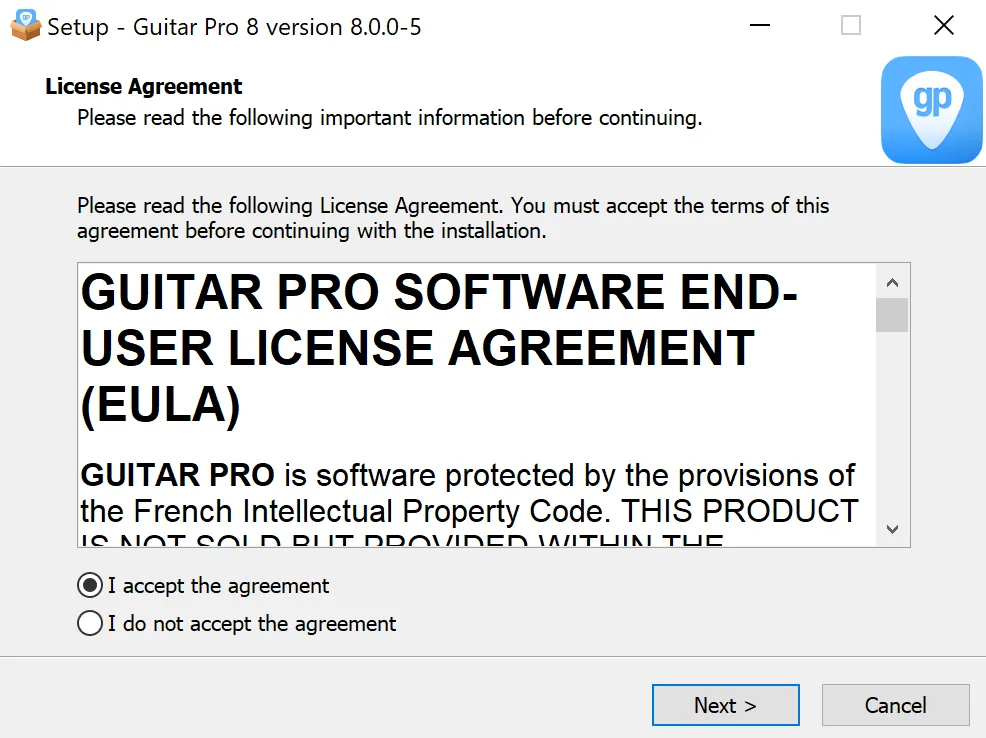
License agreement: accept the license agreement to continue.
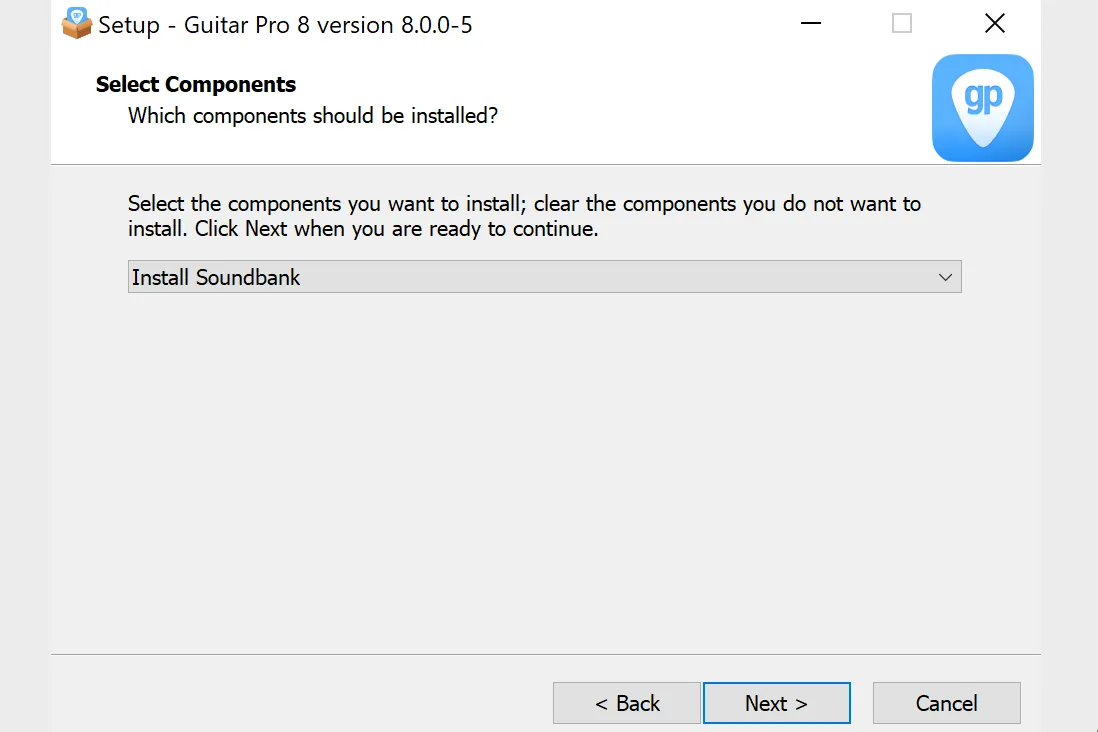
- Soundbanks: select Install Soundbanks to enjoy RSE sound rendering. Otherwise, playback will use MIDI with a more basic sound.
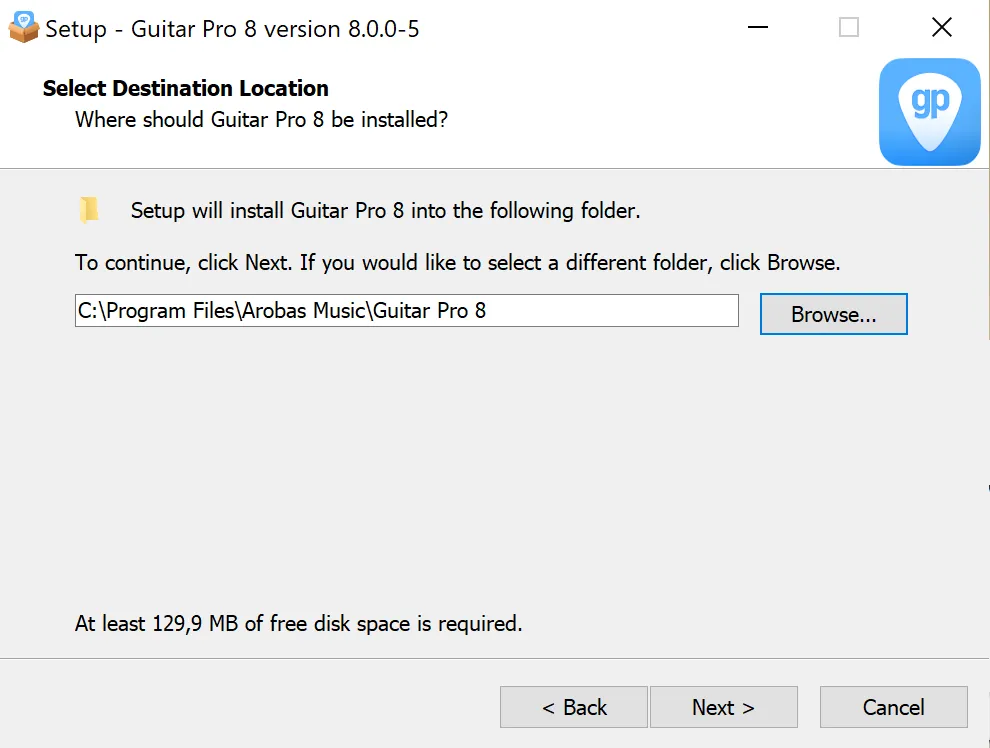
- Options: choose your installation folder and add a desktop shortcut for easy access, if you wish.
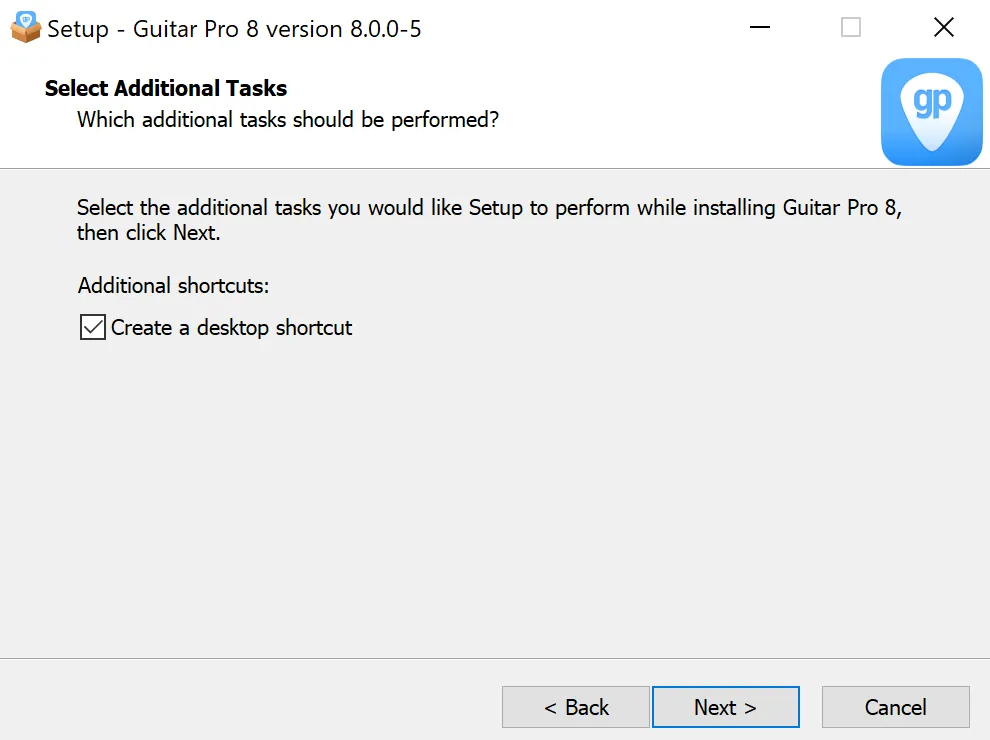
- Installation: click Install to start the process.
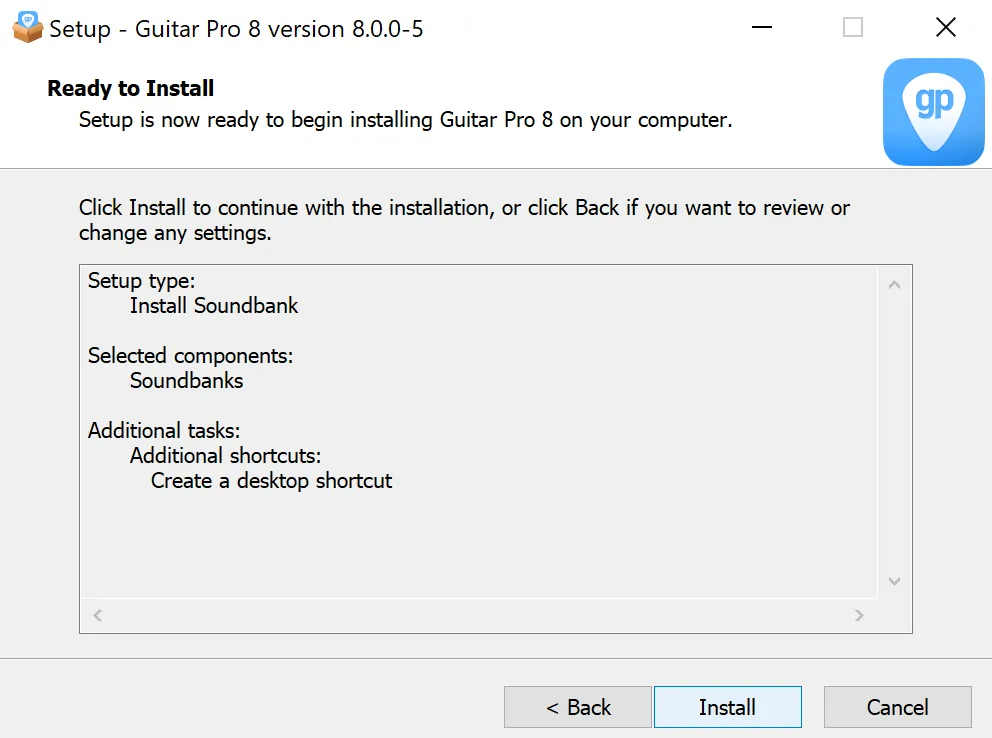
- Installing: wait a few minutes while the assistant installs Guitar Pro 8 on your computer.
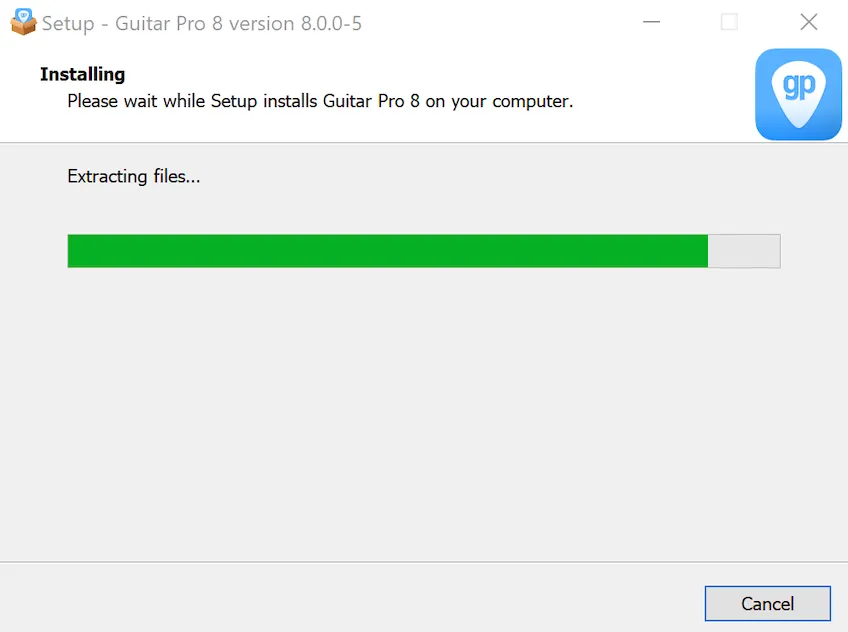
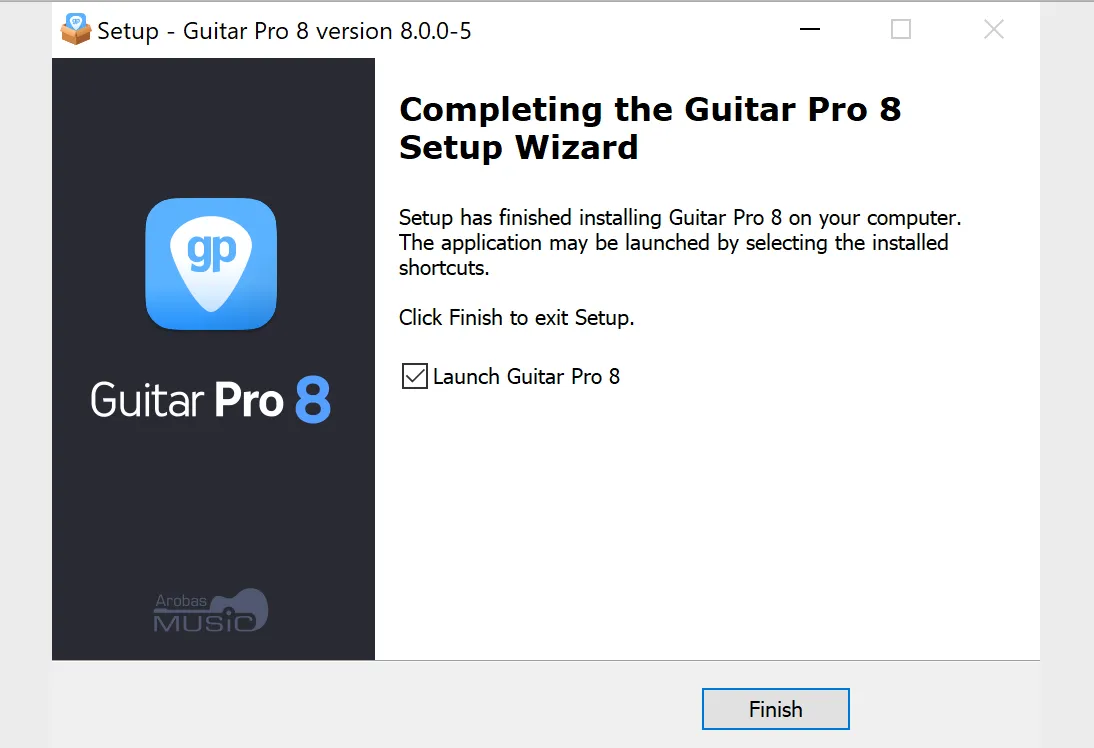
- Installation complete: once these steps are completed, check Run Guitar Pro 8 to launch it immediately, or find it in the Start menu or on the desktop. Guitar Pro 8 is now installed. Enjoy!
Installing Guitar Pro 8 on macOS
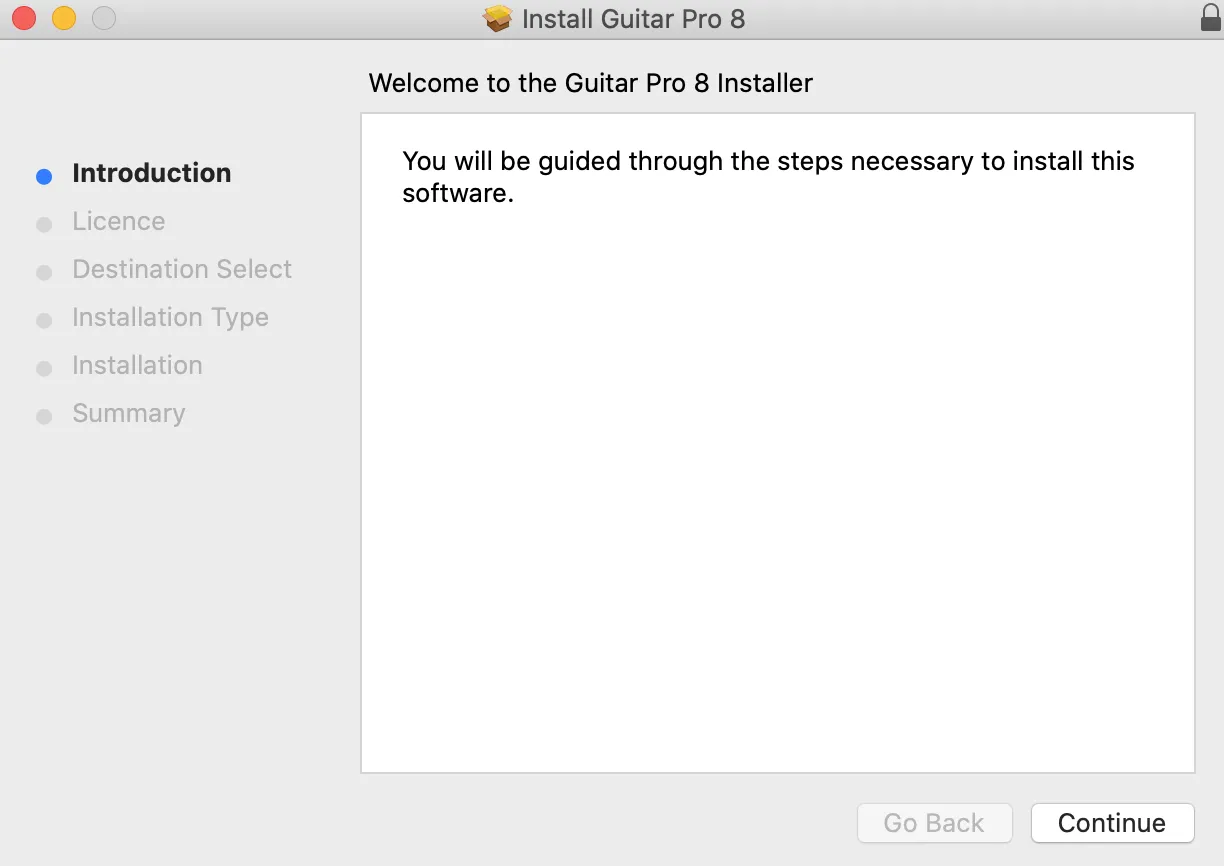
- Start: double-click guitar-pro-8-setup.pkg to open the installer, then follow the steps.
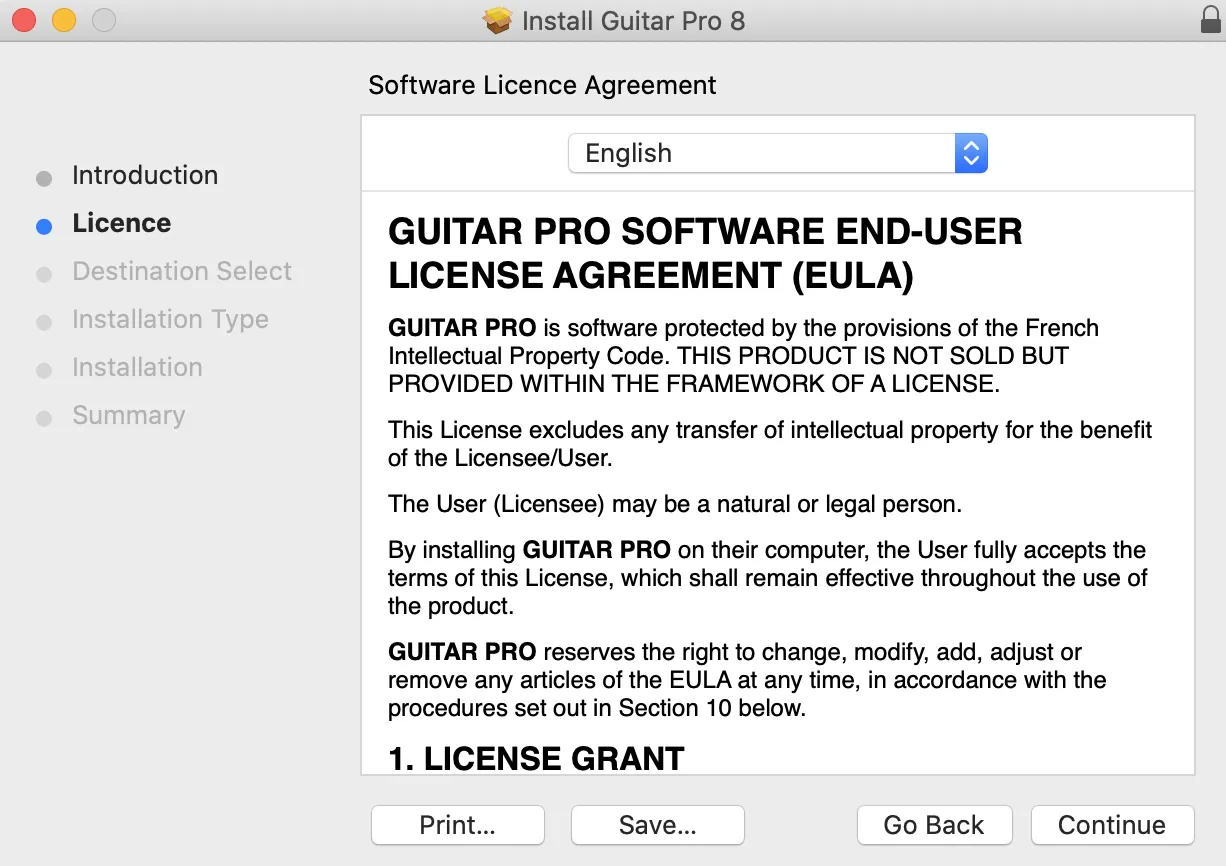
- License agreement: accept the license agreement to continue.
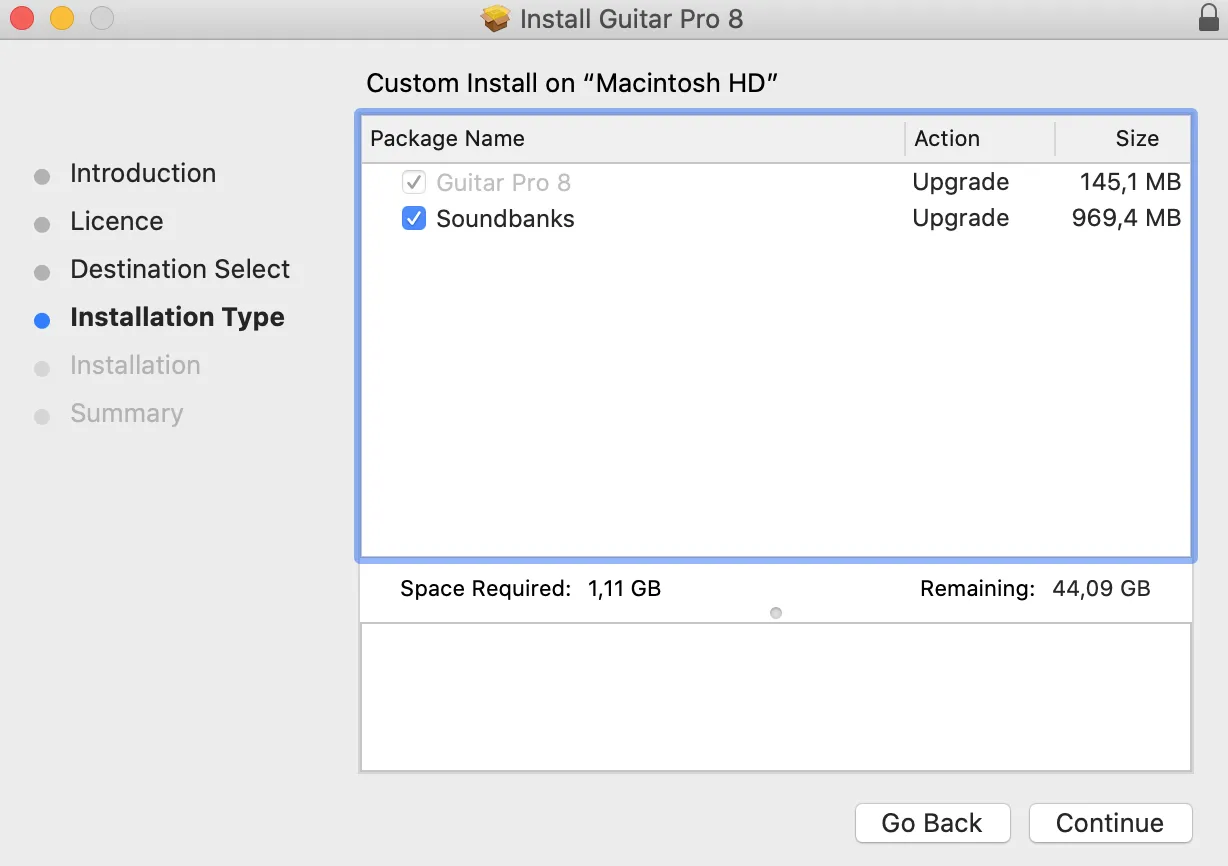
- Soundbanks: check the Soundbanks box to enjoy RSE sound rendering. Otherwise, playback will use MIDI with a more basic sound.
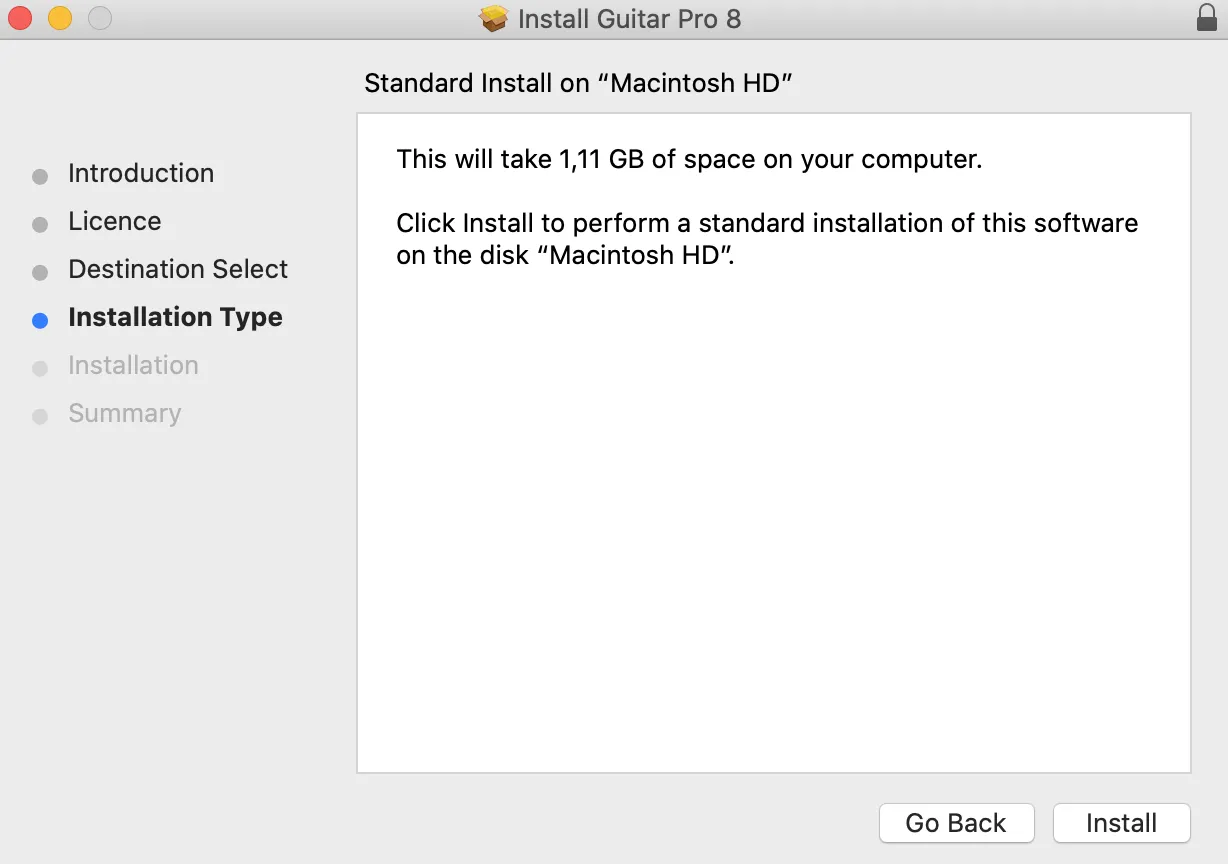
- Installation: click Install, enter your macOS password, and let the process complete.
- Installing: the installation may take a few minutes.
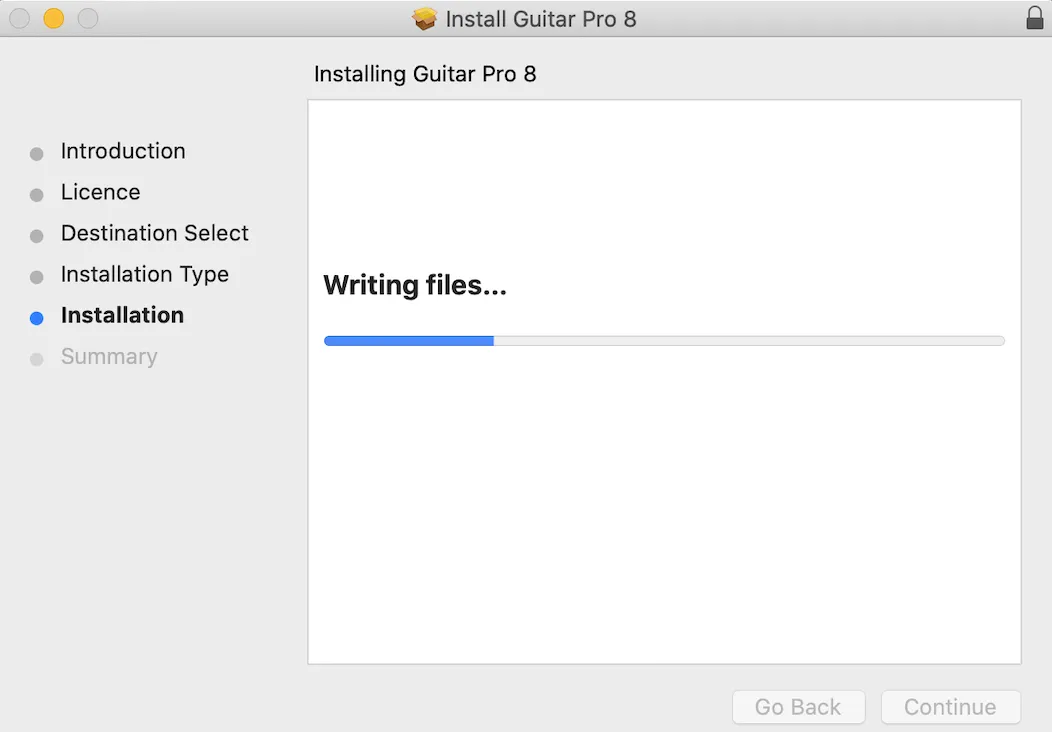
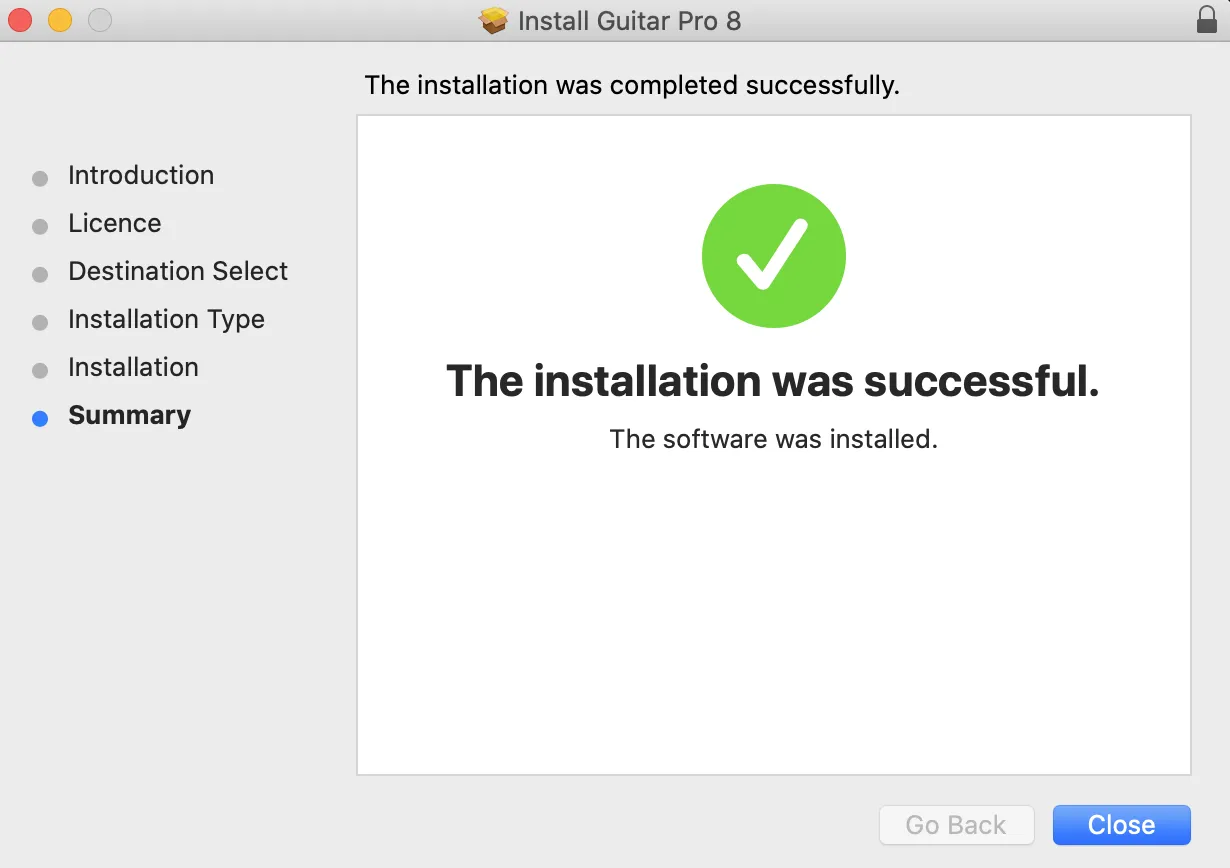
- Installation successful: once completed, the confirmation screen appears. Click Close, launch Guitar Pro 8 from the Launchpad and enjoy!