
Assistants in Guitar Pro 8
Guitar Pro 8 offers a series of Assistants, a set of tools accessible from the Tools menu, designed to help you create scores efficiently and precisely.
All these assistants are accessible from the Tools menu.
Note-related Assistants
These tools help you refine the sound of your score quickly and consistently.
Let Ring Options
The Let Ring assistant applies a prolonged resonance to notes over a selected range, targeting specific strings for precise control.
Open the Let Ring assistant, select the target area, then choose the strings to extend the sound. Ideal for chords or arpeggios that mimic the natural decay of a guitar.
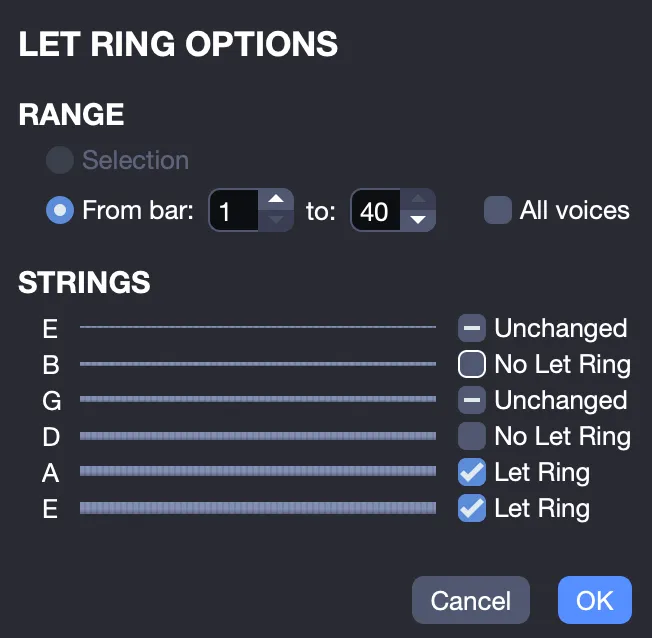
This tool allows you to add resonance where needed, such as an introduction or an ending, enhancing expression with minimal effort.
More Info About Let Ring In Guitar Pro.
Palm Mute Options
The Palm Mute assistant lets you mute strings over a chosen section for a tighter, more controlled sound.
Open the Palm Mute assistant, select the target area, then choose the strings to mute.
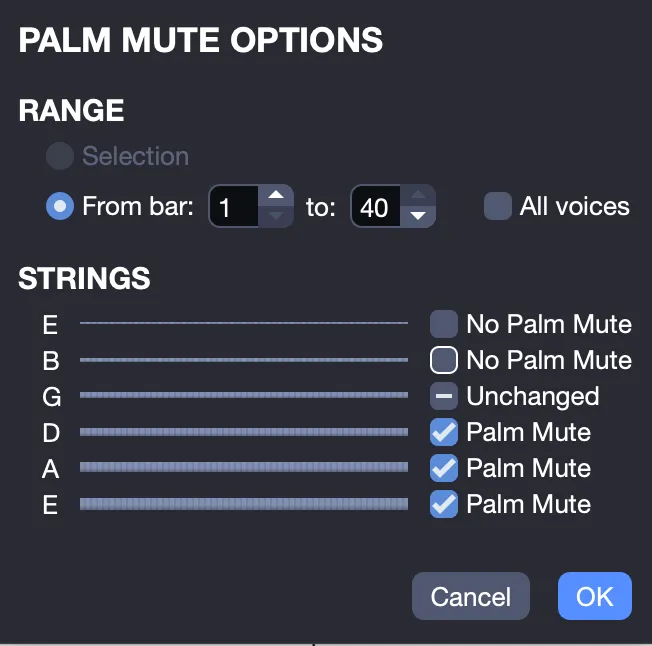
Adjust the selection for full or partial muting, ideal for achieving a tight rhythmic effect, common in styles such as metal or punk (but not limited to them).
More Info About Palm Mute in Guitar Pro.
Assistants for Organizing the Score
These assistants refine the structure and readability of your score by managing rhythm, playability, and overall layout.
Bar Arranger
The Bar Arranger assistant repositions barlines based on the actual note durations, ensuring rhythmic consistency that matches the time signature.
Accessible via the Tools menu, this assistant analyzes the score and repositions barlines while preserving the musical integrity.
For example, in a 4/4 bar containing only two quarter notes, it will add two rests to complete the bar. For a bar with five beats, it will remove the excess to restore balance.
Automatic Finger Positioning
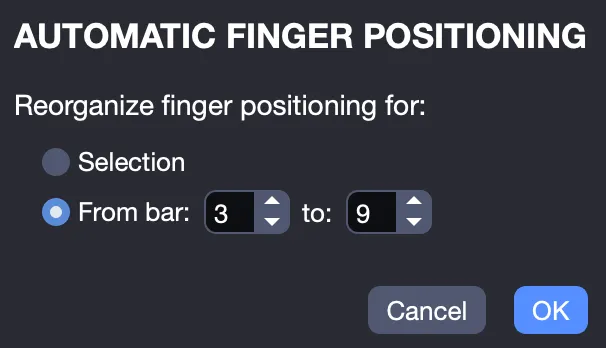
The Automatic Finger Positioning assistant in Guitar Pro 8 repositions notes on the tablature without altering the melody, making chord positions and hand movements easier.
Accessible via the Tools menu, this assistant lets you adjust fingerings for a selected area or across several defined bars.
Move/Copy/Swap Voices
The Move/Copy/Swap Voices assistant organizes multi-voice tracks by moving, duplicating, or swapping voices efficiently.
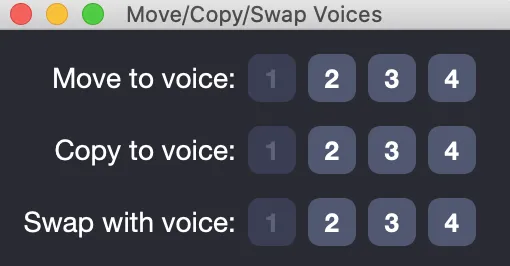
Select the notes you want to move, copy, or swap in your track, then apply the desired action from the assistant window.
Ideal for reorganizing notes in duets or polyphonic sections with minimal effort.
Check Bar Duration
The Check Bar Duration assistant examines your score and highlights any bars that do not match the time signature.
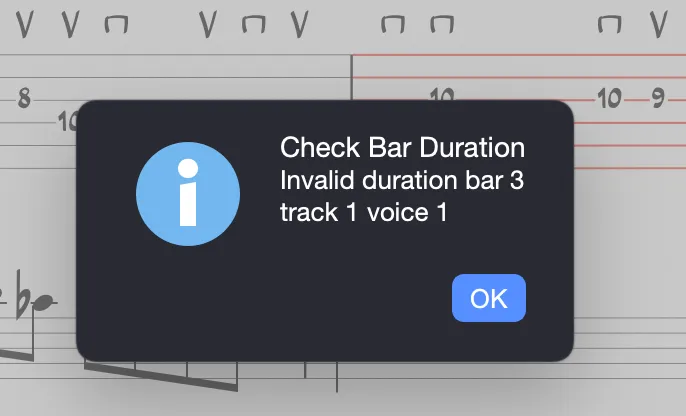
This tool makes error detection easy by clearly indicating the track, bar, and voice concerned, allowing for fast correction and ensuring rhythmic accuracy throughout your score.