
Batch Converter in Guitar Pro 8
Guitar Pro’s batch converter helps you update older files to the current format quickly. This tool converts Guitar Pro files from versions 1 to 6 (.gtp, .gp3, .gp4, .gp5, .gpx) into the Guitar Pro 8 (.gp) format at once, saving time when refreshing your music collection.
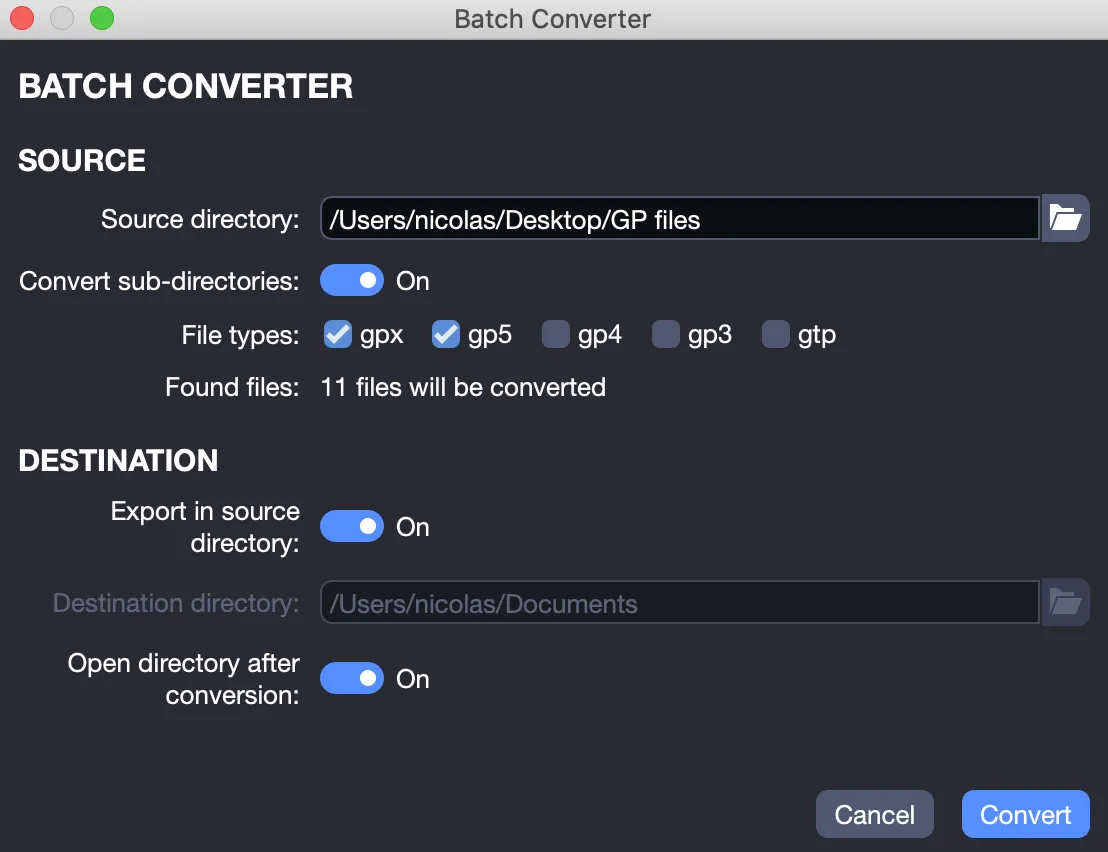
Start by opening the File > Batch Converter menu, which displays the interface shown below.
Conversion Process
Select Your Source: Use the Source Directory field to choose the folder containing your older Guitar Pro files. If it includes subfolders, select the option to include them, and the converter will process all files within.
File Detection: After selecting the source, Guitar Pro scans the folder for the file types you choose, such as .gpx, .gp5, .gp4, .gp3, or .gtp. It displays the number of files found and confirms which files will be converted.
Choose Your Destination: In the Destination section, specify where the new .gp files will be saved. You can use the same folder as the source or select a different location, such as a “GP8 Projects” folder, to keep originals separate.
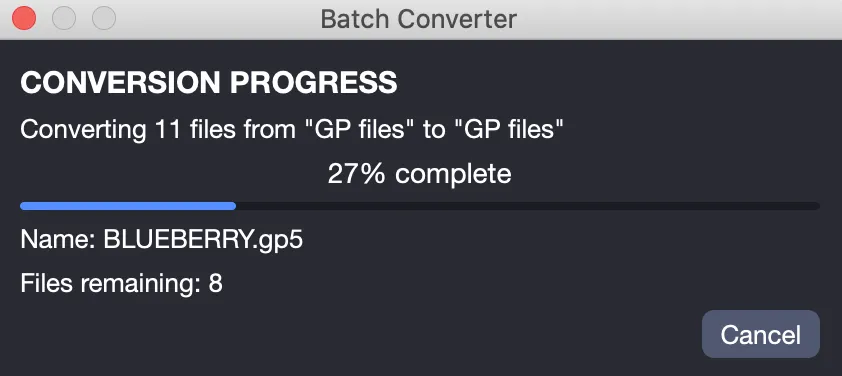
Click Convert: Review your settings and click Convert to begin. A progress window appears, showing the conversion as it happens.
Completing the Conversion
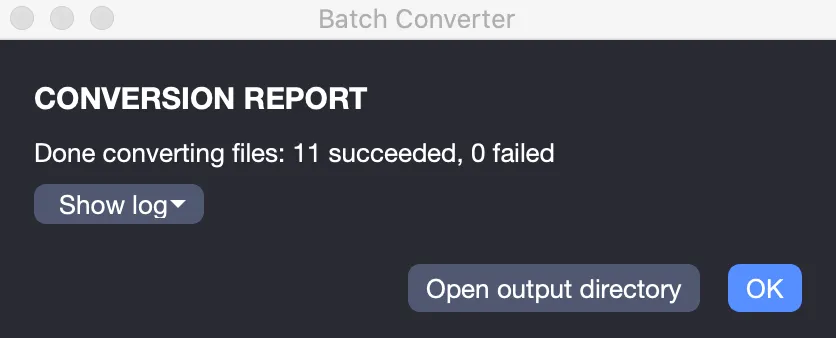
Once completed, a conversion report appears, listing how many files were updated and noting any issues that occurred. This confirms the process was successful.
Your original files remain unchanged in their original location. The batch converter creates new .gp files without altering the old ones, allowing you to update your collection while preserving the originals.