Trills and Turns in Guitar Pro 8
The trills and turns in Guitar Pro add rapid melodic ornaments, enriching a main note with variations around it.
These effects are available from the Editing Palette and the Effects menu.
Trill
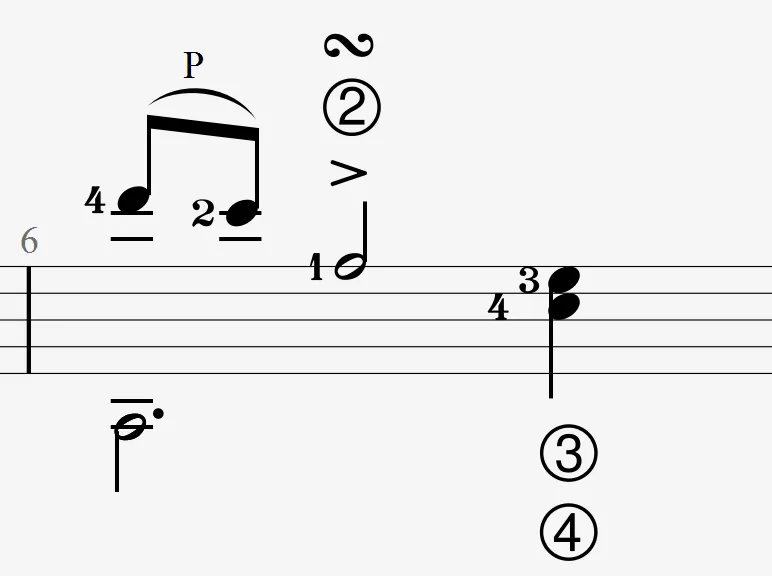
 The trill is a rapid alternation between the main note and the note one interval higher, played on the same string using hammer-ons and pull-offs. This effect produces a vibrant, ornamented sound.
In Guitar Pro, only the base note is displayed to simplify score reading.
Application
Select a note, then activate the icon in the Editing Palette.
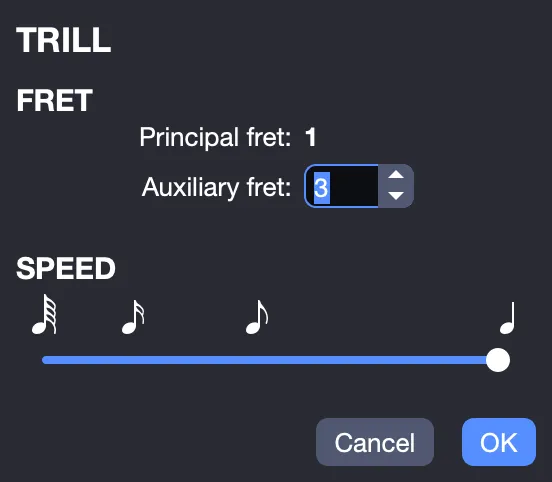
In the Trill window, choose the auxiliary fret that determines the pitch of the alternating note and adjust the speed of the ornament.
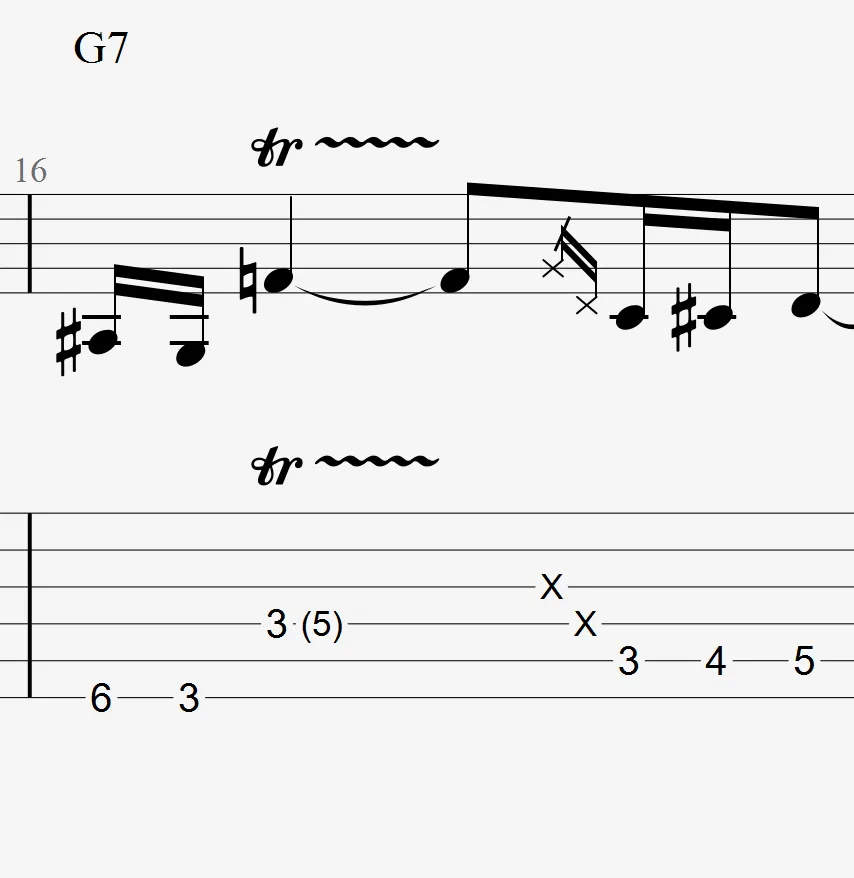
The tr symbol followed by a wavy line is added to your track.
Turn
 The turn (in Italian “gruppetto”, meaning “group”) is a melodic ornament composed of four notes revolving around the main note, highlighting the notes just above and below.
It starts with the upper note, followed by the main note, then the lower note, and ends on the main note (e.g., in C major for C: D-C-B-C).
The choice of notes respects the key signature of the score.
Inverted Turn
 The inverted turn reverses the order of the classic turn, starting with the lower note, followed by the main note, then the upper note, and ending on the main note (e.g., in C major for C: B-C-D-C). It follows the harmony of the key signature.
Application
To add a turn or an inverted turn:
Select a note.
Activate the corresponding icon in the Editing Palette:
- for the classic turn.
- for the inverted turn.
The ornament loop is automatically inserted and represented by a specific symbol depending on the type chosen.