
Activation and License Management in Guitar Pro 8
Activating your Guitar Pro 8 license is quick and easy, allowing you to access all features of the software with no time limit.
If you don’t have a license yet, you can purchase one on the Guitar Pro website.
Entering your license
When you launch Guitar Pro 8 for the first time, an activation window will automatically appear.
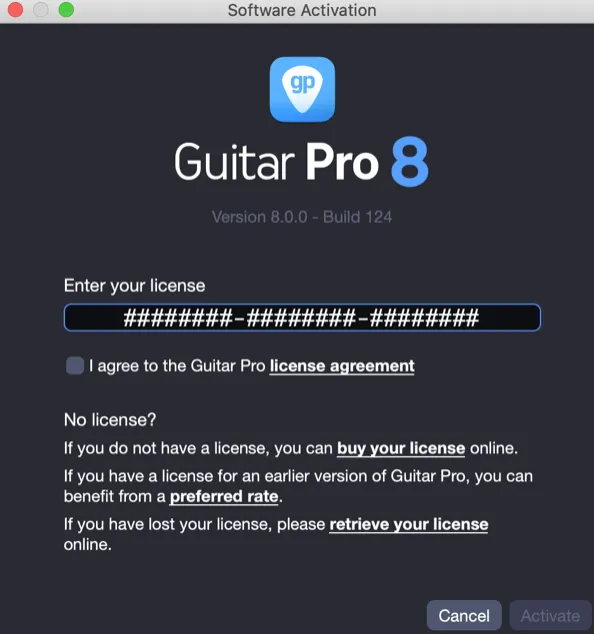
To activate the software, enter your license key in the corresponding field. It consists of three groups of eight characters, in the format XXXXXXXX-XXXXXXXX-XXXXXXXX.
Then accept the Guitar Pro license agreement.
If the license is valid, the Activate button will become available. Click it to proceed.
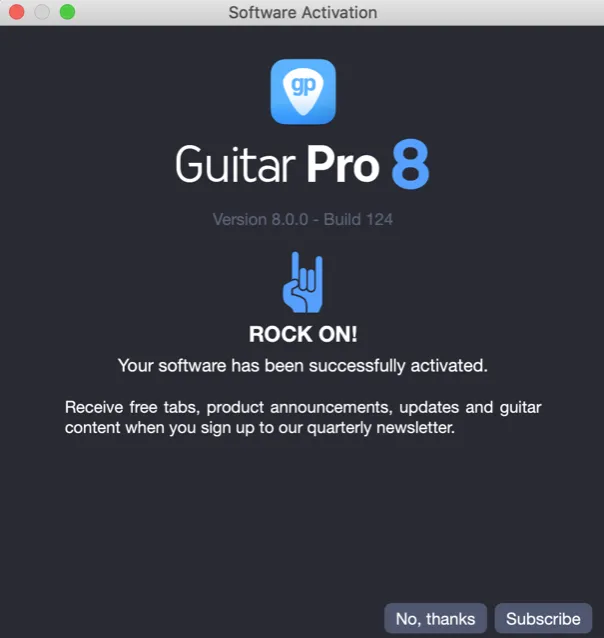
A confirmation screen will appear indicating that your software has been successfully activated.
Removing your license
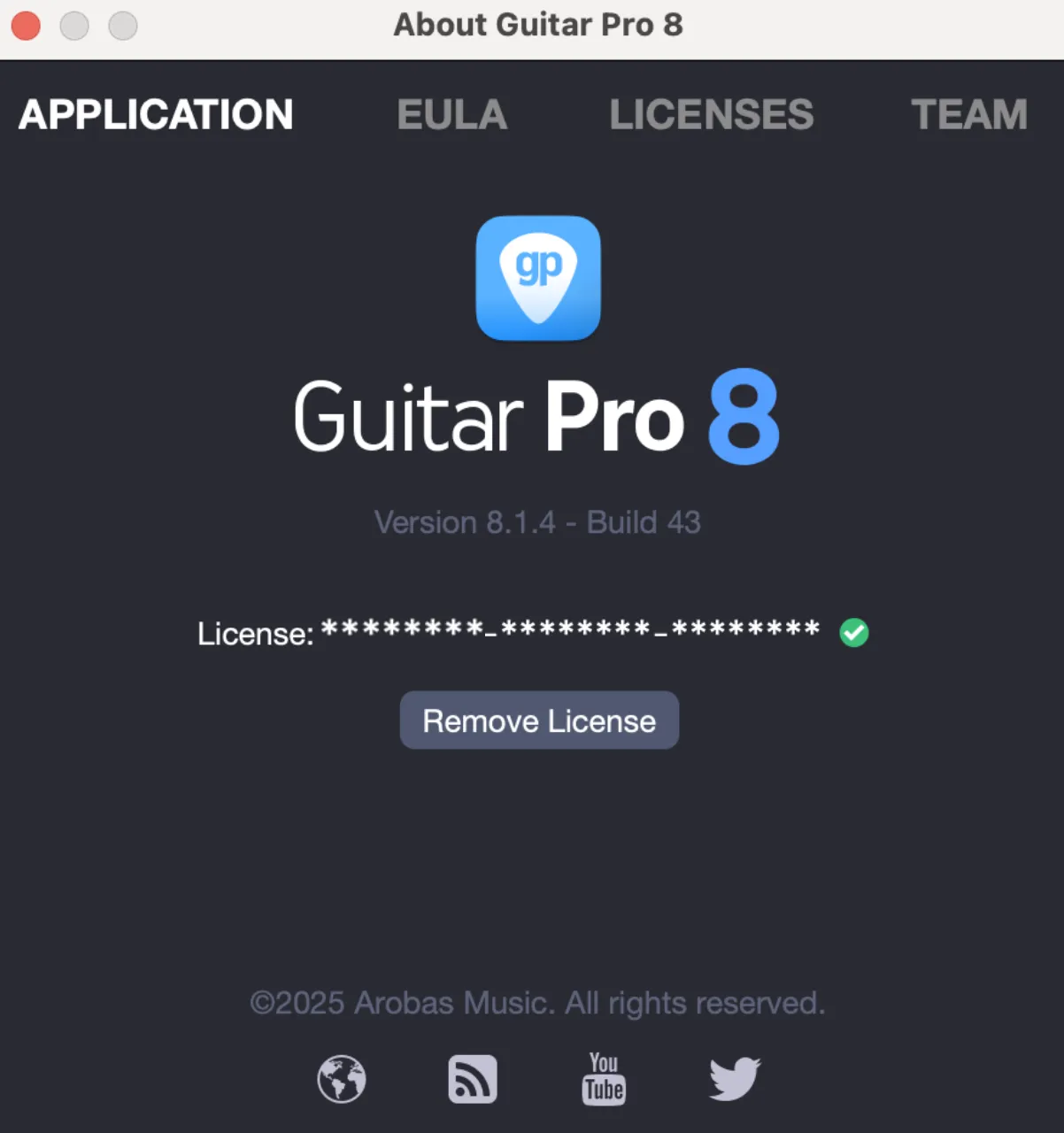
If you need to deactivate Guitar Pro 8, for example to use it on another device, go to the About Guitar Pro 8 menu:
- macOS: Guitar Pro 8 > About Guitar Pro 8
- Windows: Help > About Guitar Pro 8
Then select the Remove license option. This will release your license for use on another computer or user account.
Troubleshooting tips
If activation fails, carefully check your license key.
We recommend copying and pasting the key to avoid typos.
Make sure you are using the correct license number for the correct version of Guitar Pro (Guitar Pro 8 can only be activated with a Guitar Pro 8 license).
If the problem persists, feel free to contact our support team, including your license number and any error messages if applicable.