- Getting Started with Guitar Pro 8
-
Write a Score in Guitar Pro 8
- Fundamentals of Musical Notation in Guitar Pro 8
- Creating a Project in Guitar Pro 8: Score and Tracks
- Adding and Editing Notes in Guitar Pro 8
- Voice Management in Guitar Pro 8
- Bar Management in Guitar Pro 8
- Section Management in Guitar Pro 8
- Repeat Signs, Alternate Endings and Directions in Guitar Pro 8
- Drums and Percussion in Guitar Pro 8
- Lyrics Editing in Guitar Pro 8
- Assistants and Editing Tools in Guitar Pro 8
- Playing Effects and Musical Articulations in Guitar Pro 8
-
Playback and Audio Settings in Guitar Pro 8
- Playback and Tempo Control in Guitar Pro 8
- Audio Note Settings in Guitar Pro 8
- Mixer in Guitar Pro 8
- Track Sound Setup in Guitar Pro 8
- Automation Management in Guitar Pro 8
- Song Sound Settings (Sound Mastering) in Guitar Pro 8
- MIDI in Guitar Pro 8
- Using the Line-In Feature in Guitar Pro 8
- Using the Audio Track Feature in Guitar Pro 8
- Importing and Exporting Files in Guitar Pro 8
- Advanced Tools in Guitar Pro 8
-
Display Options and Ergonomics in Guitar Pro 8
- Show or Hide Panels in Guitar Pro 8
- Zoom Options in Guitar Pro 8
- Instrument Views in Guitar Pro 8
- Display Tablature, Standard, Rhythmic, Jianpu Notations in Guitar Pro 8
- Design Mode in Guitar Pro 8
- Page and Screen Display Modes in Guitar Pro 8
- Displaying Tracks in Guitar Pro 8
- Stylesheet Display Options in Guitar Pro 8
- Preferences and Stylesheet in Guitar Pro 8
- mySongBook in Guitar Pro 8
- Appendix
Get Started with Guitar Pro 8
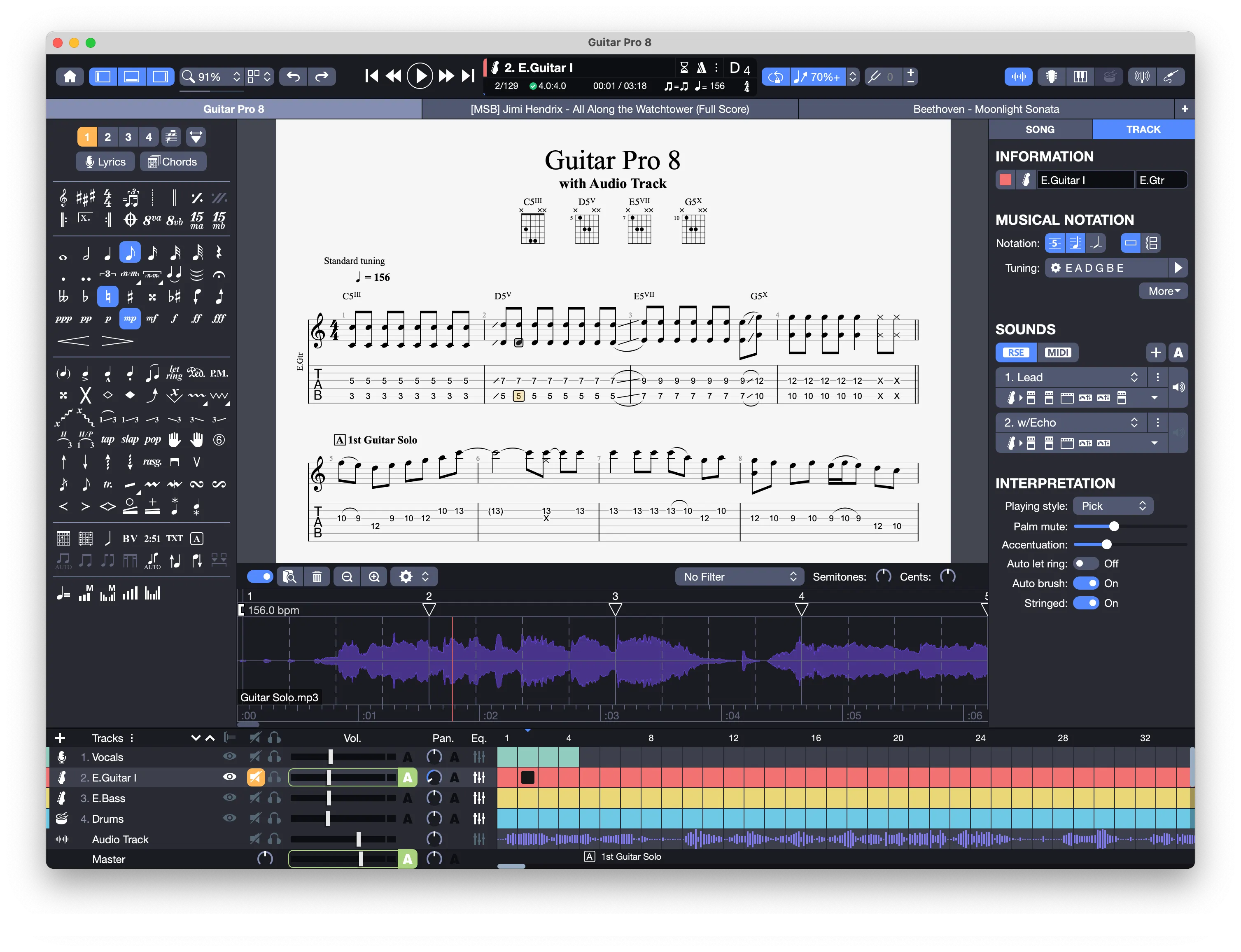
Welcome to Guitar Pro 8, your ultimate tool for creating and bringing your musical scores to life.
This chapter guides you through the essential steps to install the application, activate your license, and explore its core features, enabling you to begin with confidence.
Chapter Sections
- Introduction and New Features: Discover an overview of Guitar Pro 8, its capabilities, and the new features introduced in this version.
- Installation and Activation: Check the system requirements, learn how to install the software, activate your license, and keep Guitar Pro updated with the latest versions.
- Getting Started : Get familiar with the home page, main screen, tools to navigate through a score, interact with it via clicks, and manage your files.