
Manage mySongBook Content in Guitar Pro 8
Find the perfect score in mySongBook using its search and customization tools.
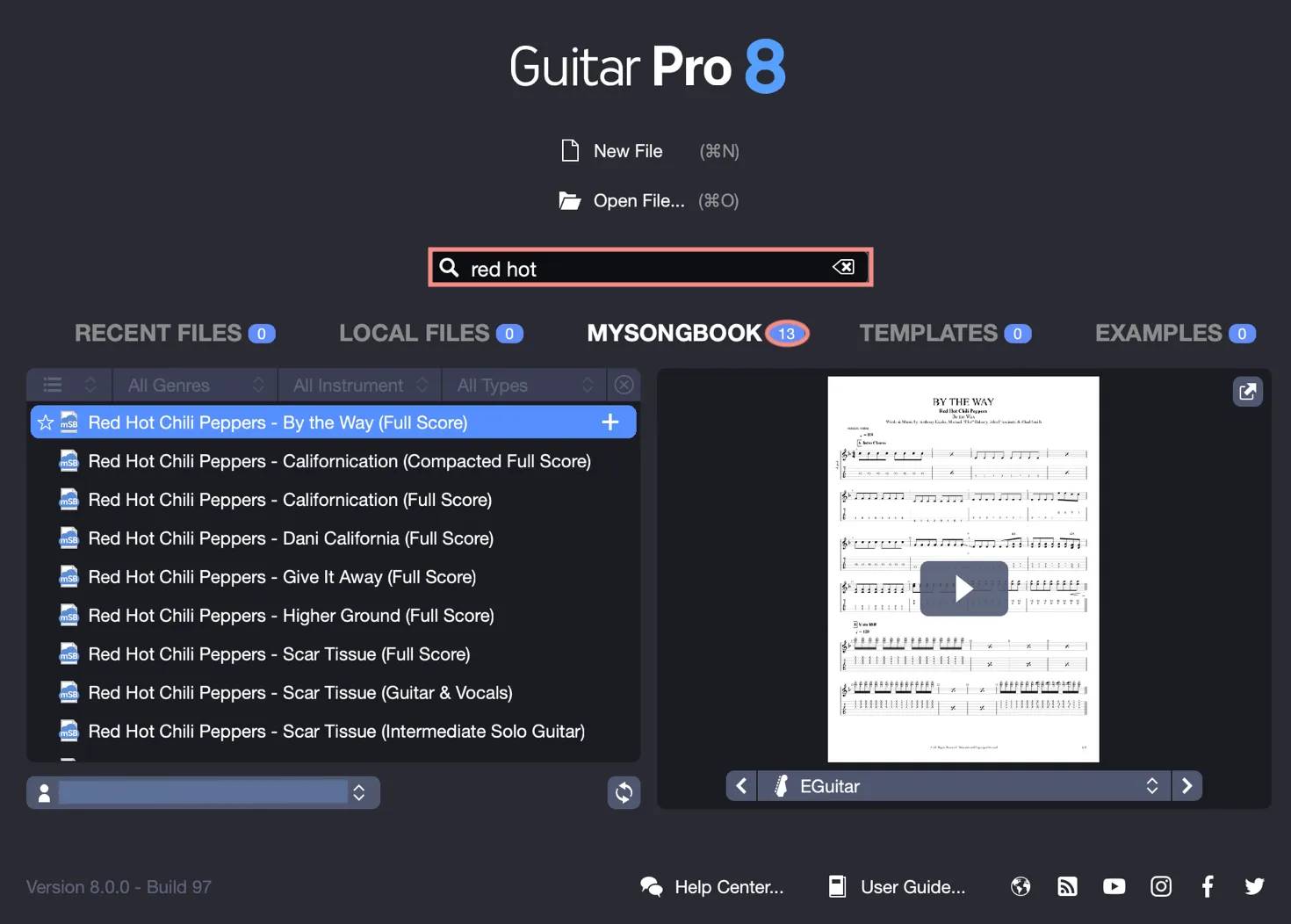
Search for a Title in mySongBook
Enter a title or artist in the search bar to explore the catalog. Each track offers an audio preview to help you choose.
Apply Filters
Refine your searches by combining filters such as genre, instrument, or score type. For example, select Folk, Guitar, and Guitar Single for solo folk guitar scores.
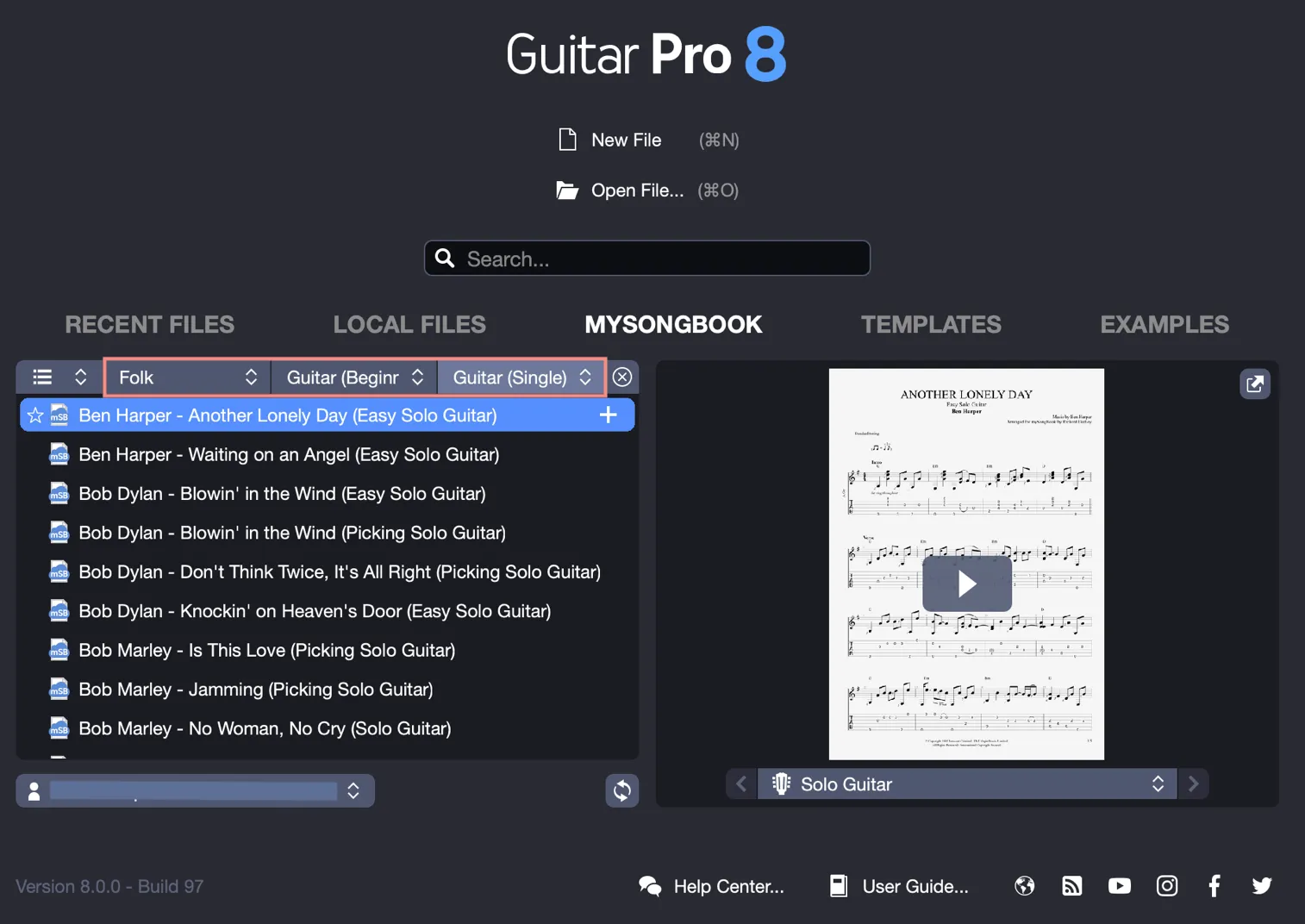
Here are the available filters:
| Genre | Instruments | Types |
|---|---|---|
| All genres | All instruments | All types |
| Rock | Guitar | Guitar Single |
| Pop | Guitar (Beginner Only) | Guitar Song Arrangement |
| Metal | Bass (Beginner Only) | Guitar & Vocals |
| Funk | Double Bass | Guitar w/ Other Instruments |
| Soul | Ukulele | Guitar Ensemble |
| Reggae | Ukulele (Beginner Only) | Guitar Skills |
| Folk | Banjo | Bass (Single) |
| Blues | Mandolin | Ukulele (Single) |
| Country | Lute | Ukulele Song Arrangement |
| Jazz | Sitar | Ukulele & Vocals |
| Classical | Drums | Ukulele Ensemble |
| Flamenco | Keyboard | Banjo Skills |
| Bossa Nova | Harmonica | Instrumental |
| World Music | Saxophone | Full Score |
| Traditional | Full Score (1 Guitar Only) | |
| Full Score (2+ Guitars) | ||
| Full Score (Compacted) | ||
| Full Score (Playthrough Guitar) | ||
| Play Guitar Hits |
Manage Your mySongBook Favorites
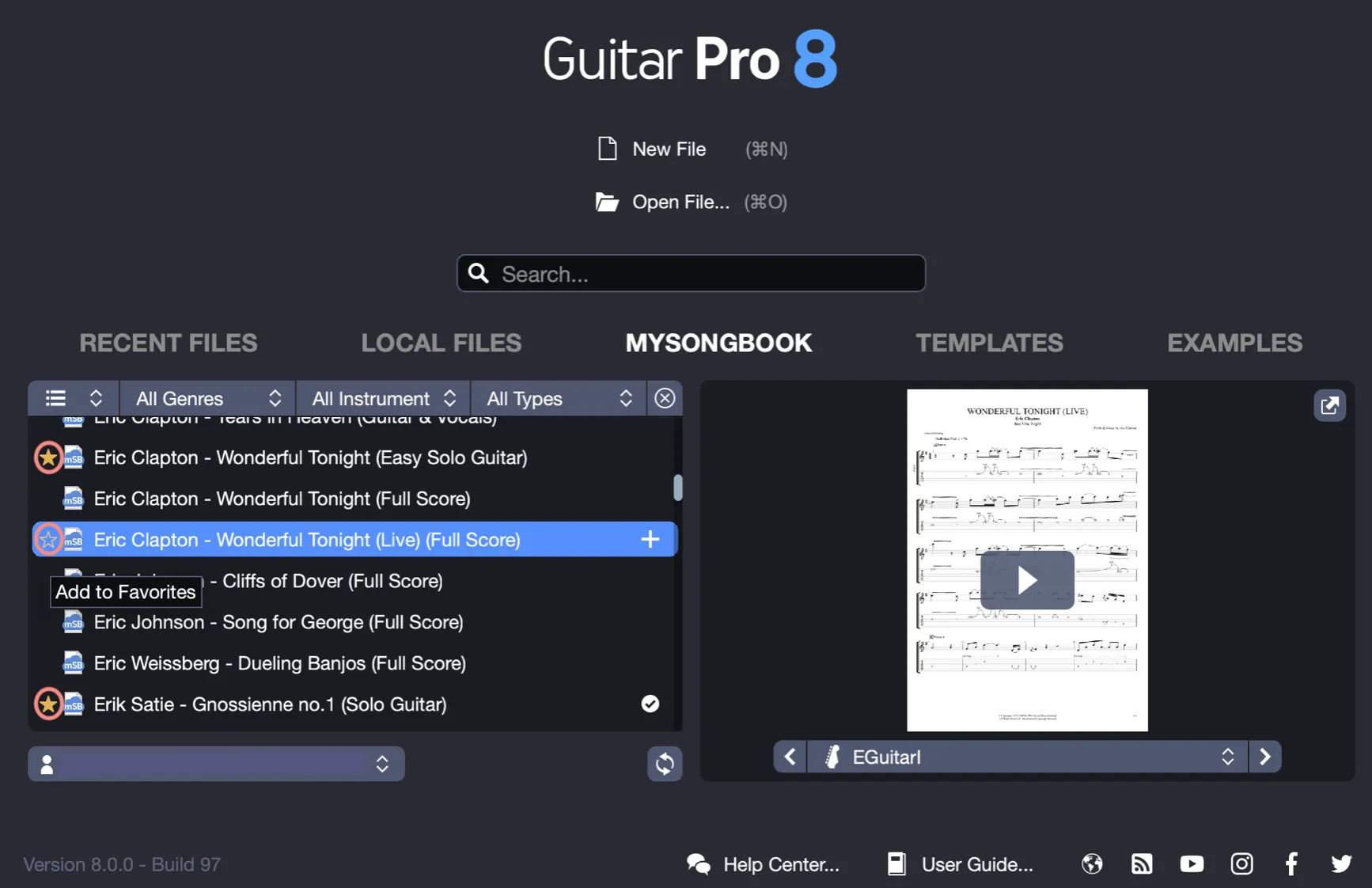
Add a score to your favorites by checking the yellow star to the left of its title, or remove it by unchecking the star, directly in Guitar Pro.
Customize Display and Sorting
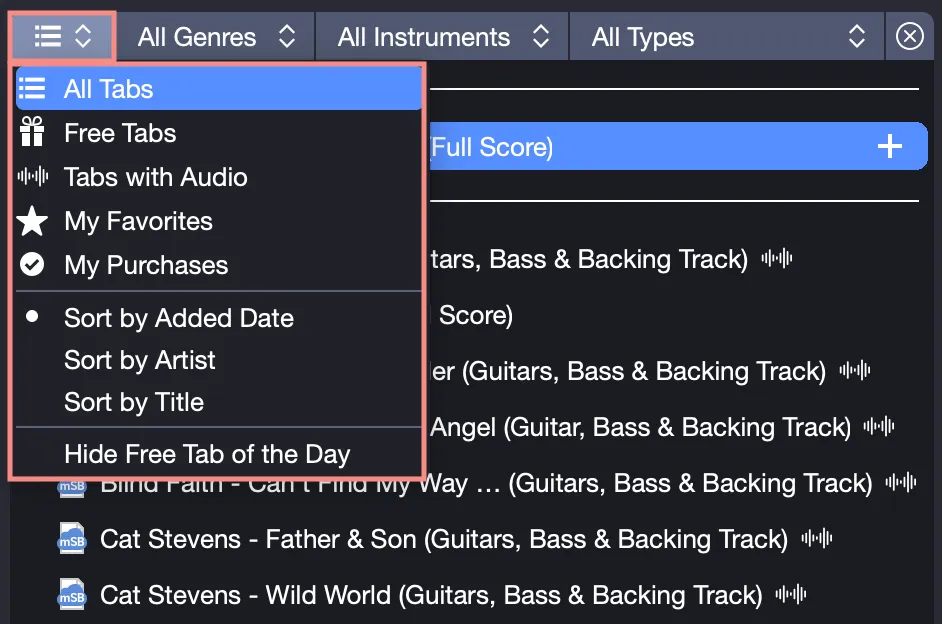
Tailor the mySongBook display using the categories menu:
- All Tablatures: browse the entire catalog.
- Free Tabs: view free scores.
- Tablatures with Audio: display scores with audio tracks.
- My Favorites: access your favorite scores.
- My Purchases: view your purchased scores.
- Sorting options: Sort by Latest Additions, Sort by Artist, Sort by Title.
- Hide the Free Tab of the Day: disable this daily suggestion.
Sort by Latest Additions to discover new scores published each week.